Why it is written this way
The hardest part of generating an emoticon or sticker pack with AI is maintaining consistency across the entire set rather than a single image. If you ask for eight different emotions at once, the AI reimagines the character every time—dropping glasses, changing body proportions, or altering colors. Because stickers appear side-by-side in chat windows, these discrepancies are immediately noticeable.
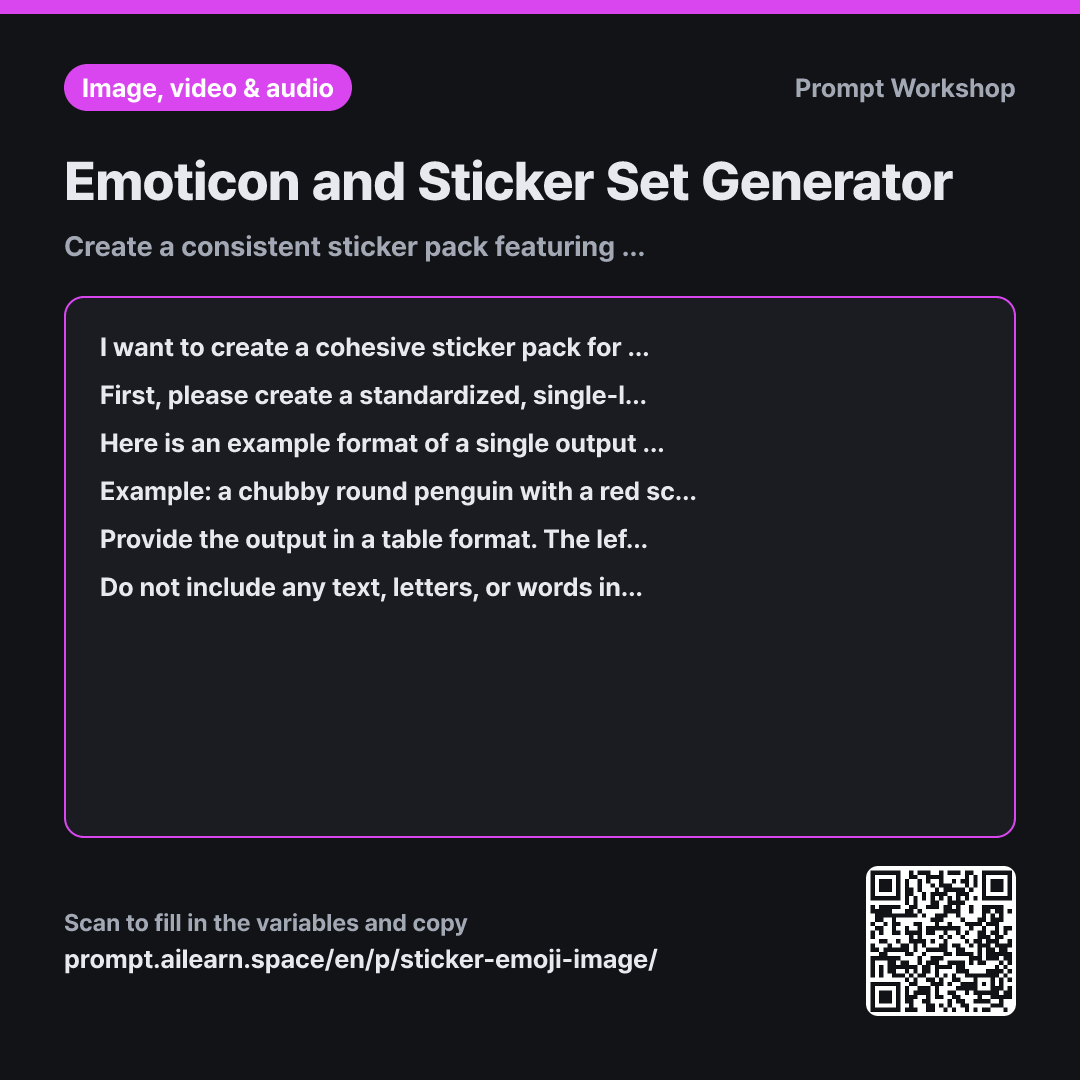
The Task structure breaks the workflow into two clear steps: lock down an anchor description first, then swap out only the expression and pose. Forcing body proportions and signature items into the anchor description prevents the two most common tells of character drift.
The Example replaces several paragraphs of formatting instructions. It demonstrates the ideal phrase length, comma placement, and slot positioning for actions. Using a different animal in the example and explicitly stating "do not copy the wording" stops the model from regurgitating example keywords.
The Format specifies a table so you can instantly verify that every requested emotion has an exact 1:1 prompt pairing. The Constraints regarding full-body framing, border margins, and clean white backgrounds are practical essentials for sticker creation: cut-off edges or messy backgrounds make asset extraction difficult and look awkward in chat interfaces. Keeping the subject focused on one clear action against empty space ensures readability at small icon sizes.
Unfamiliar terms? See Aha AI: few-shot, output-format
Compared with a bad example
Make prompts for emoticons of a gray cat with glasses for thumbs up, thanks, sorry, leaving work, and sleeping.
A prompt like this causes the cat's description to vary on every line. Some lines will omit the scarf, others will stretch the torso into human proportions, and lack of background/framing constraints will yield mixed half-body crops and colored backdrops. Ultimately, only two or three images out of the set will be usable.
Variations
Adding New Emotions to an Existing Set
I want to add a few more emotions to the previously created sticker set. Keeping the existing anchor description intact, please generate a table in the exact same format only for the new items listed in {{emotion_list}}. Check to ensure the expressions and poses do not overlap with the previous ones, and point out any duplicates if they exist.
When expanding a sticker pack, this variant preserves character consistency while preventing duplicate poses.
Creating Face-Only / Close-Up Stickers
I want to create close-up face stickers for "{{character}}". Please revise the anchor description by removing body-related details and keeping only the facial features, signature accessories around the face, color palette, and art style. Then, write prompts focusing strictly on bold, unmistakable facial expressions. Specify large, simplified facial cues so they remain readable even at tiny thumbnail sizes.
Face-focused stickers require different visual density than full-body poses. This variant trims the anchor description to maximize facial readability on small screens.
Model notes
Some AI image generators produce transparent PNGs natively, while others default to solid white backgrounds. For the latter, you may need a background removal tool as a final post-processing step.
Related prompts
Last updated 2026-09-02 · Found a mistake? Let us know