Why it is written this way
The most common problem when generating children's book illustrations with AI is inconsistent character design from page to page. If the mole on page 3 looks completely different from the mole on page 5, the narrative flow breaks down. This happens because requesting images one by one causes the AI to invent a new character each time.
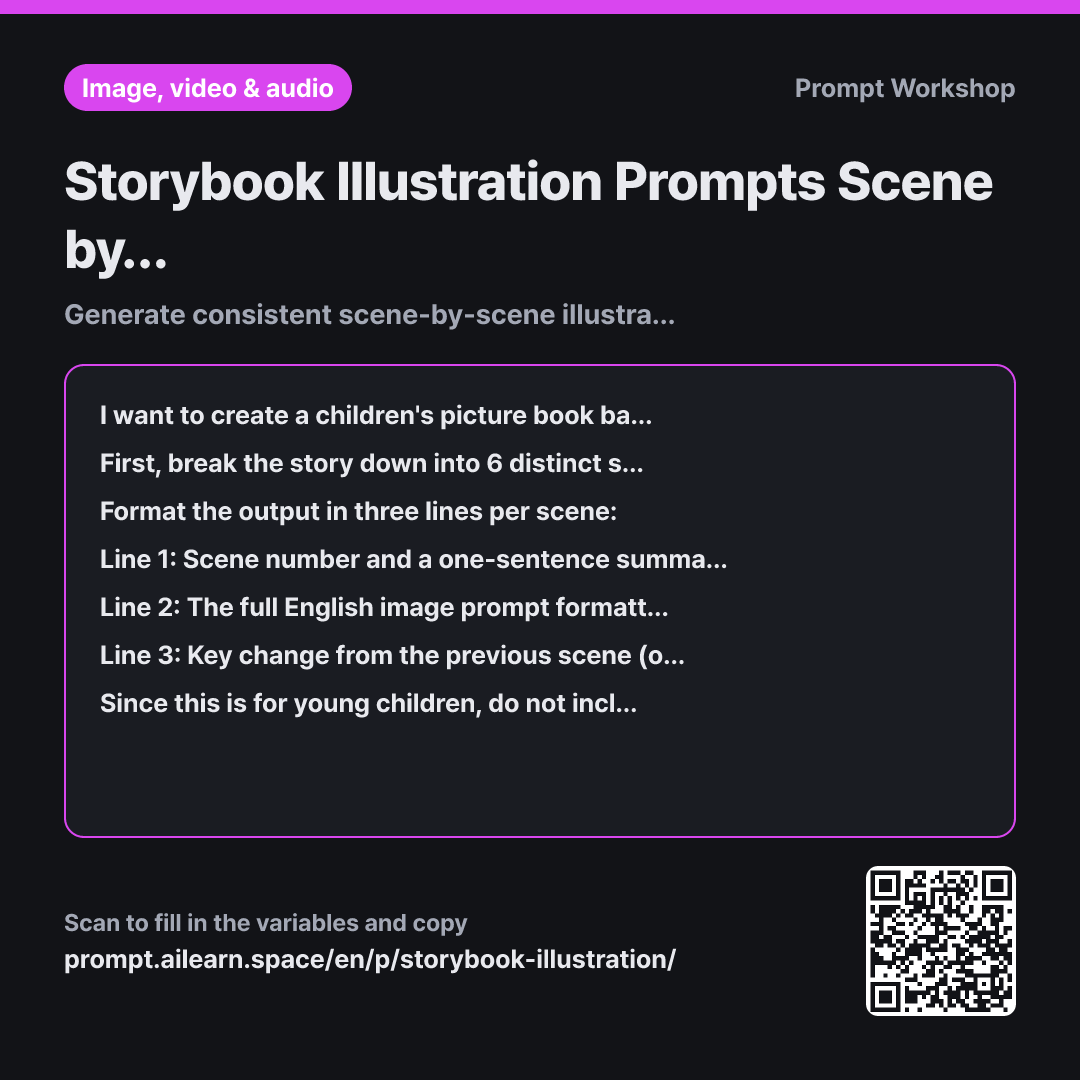
The Task section prevents this by dividing the story into exactly six sequential scenes instead of trying to generate everything at once. Providing the clear rule to "split where the setting or time changes" is crucial—without this, you get six almost identical scenes that don't progress the plot. Setting the exact number to six also prevents the model from over-detailing the beginning and cramming the ending into a single scene.
The standardized anchor sentence in the same section locks in character consistency. If you rephrase the description for every scene, "yellow overalls" might become "yellow clothes," instantly changing the character's look. Copying the exact same sentence at the start of all six prompts anchors the visual baseline.
The Format section requires a short summary and a note on key visual changes for each scene so you can quickly review the narrative flow before running prompts. The Constraints section ensures child-friendly visuals and forbids inventing unmentioned characters. If the AI silently fills in plot gaps with random extra characters, the accompanying text won't match the artwork.
Unfamiliar terms? See Aha AI: output-format, hallucination
Compared with a bad example
Make 6 prompts to illustrate a story about a baby mole going out to see the night sky.
A vague request like this yields six prompts with inconsistent character descriptions. Fur color, clothes, and proportions will change across scenes, and the mole might even look like a squirrel in some. Without clear criteria for splitting scenes, you often get three nearly identical shots of "a mole looking at stars," with no clear progression from beginning to end.
Variations
Regenerating a single scene
I want to adjust one of the six scenes generated earlier. Keeping the exact same standardized character sentence and art style, generate 3 alternative English prompts for this scene by varying only the action, facial expression, and camera composition. The character appearance must remain exactly "{{character_appearance}}". Below each option, include a one-sentence explanation in English describing what changed.
Regenerating the entire set just to fix one scene can ruin the consistency of the other five. This variant adjusts only the action and composition of the problematic scene while preserving the character anchor.
Generating front and back covers
Please write English image prompts for the front and back covers of a picture book based on {{story}}.
For the front cover: depict the protagonist with the most central object or location from the story, leaving clean negative space at the top for the title text. For the back cover: depict a quiet, peaceful closing scene set after the story ends.
Both prompts must begin with the exact standardized character sentence based on "{{character_appearance}}" and match the {{art_style}} art style.
Covers follow the same style rules as internal pages but require negative space for typography. This variant adds explicit layout constraints for the book title.
Related prompts
Last updated 2026-09-02 · Found a mistake? Let us know