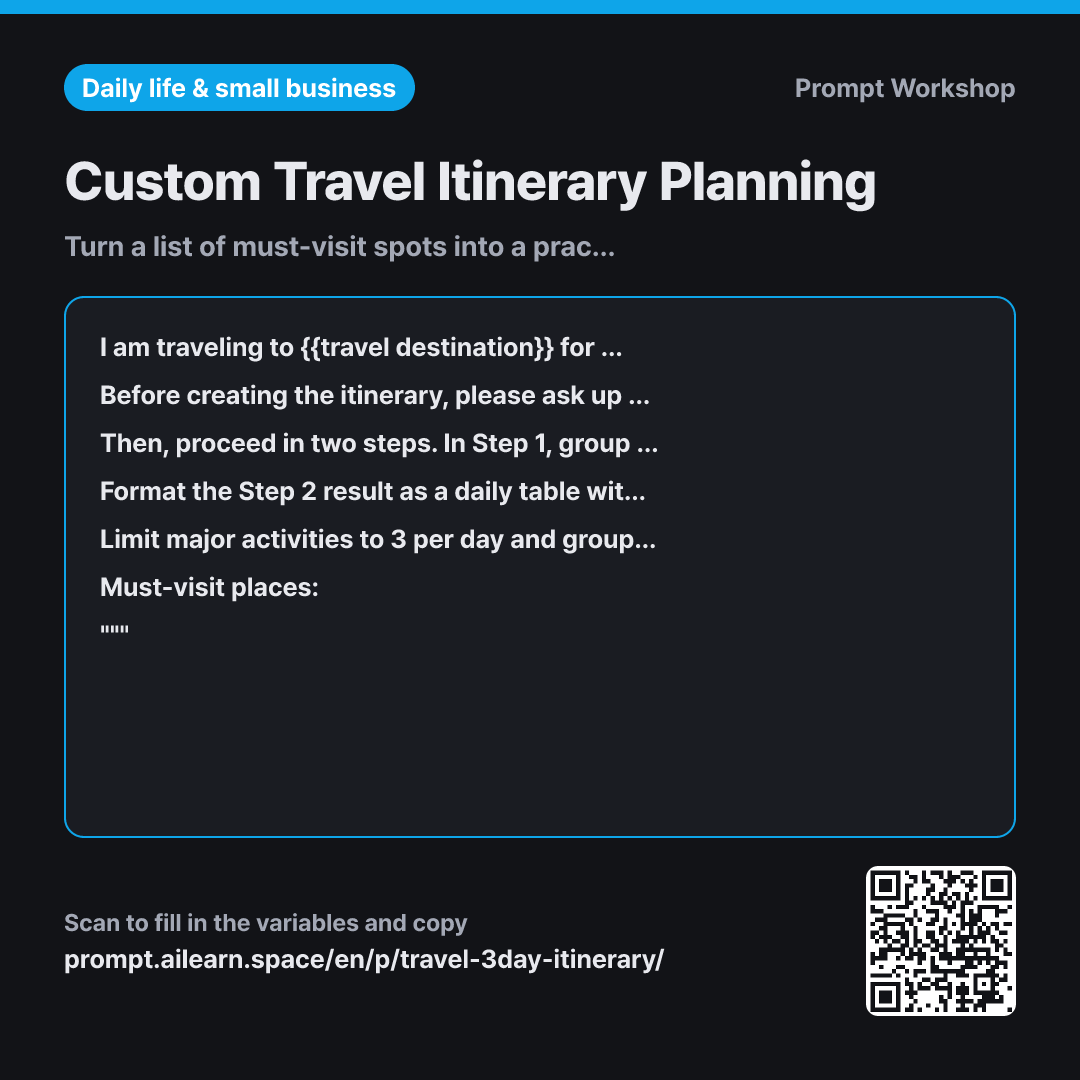
Why it is written this way
When you ask ChatGPT to build an entire travel itinerary all at once, you often get a neat-looking table that is practically impossible to follow—like visiting downtown in the morning, taking a two-hour trip to the outskirts in the afternoon, and heading back downtown for dinner. This prompt focuses on breaking down the planning process.
Placing the Context paragraph first ensures the destination, duration, party, and budget set the appropriate daily pace. A solo trip moves at a very different speed compared to traveling with young kids, even for the same duration.
The Clarifying Questions step prevents the AI from making wild assumptions. Critical factors like where you are staying or whether you are renting a car completely change the route; without asking, AI will assume arbitrary defaults and build an itinerary on top of them.
Splitting spot selection and route design into two steps is the key mechanic. When asked all at once, the AI juggles choosing spots and ordering them simultaneously, resulting in a shallow itinerary. Confirming the spots in Step 1 leaves only routing for Step 2 and allows you to weed out unwanted suggestions before the schedule is generated.
Adding transportation method and travel time columns to the output Format serves the same purpose: having dedicated cells forces the AI to notice unrealistic travel sequences. Requiring uncertain facts to be labeled "Needs Verification" produces a handy checklist of items to look up before departure.
Unfamiliar terms? See Aha AI: output-format, hallucination
Compared with a bad example
Plan a 4-day 3-night itinerary for Osaka
Without context or constraints, the AI generates a generic tourist route with five packed stops a day and zero travel time. By the afternoon of day one, you would already be running late. Operating hours and admission fees are often stated with false confidence, leading to wasted trips.
Variations
When checking if an existing list is feasible in time
Below is a list of places I want to visit in {{travel destination}}. My travel companion(s): {{companion person}}.
Please review whether it is realistic to cover all these spots within {{time period}}. Highlight combinations that are too far apart to visit on the same day, and recommend places to remove or save for a future trip along with reasons. Please do not add any new places.
""" {{must-visit place}} """
This variant shifts the focus from building a new itinerary to auditing an existing list. Adding "do not add any new places" prevents the AI from redesigning the trip from scratch instead of reviewing your list.
When staying strictly within budget is the top priority
I am traveling to {{travel destination}} for {{time period}} with {{companion person}}. My budget is {{budget amount}}. Staying within this budget is my top priority.
Create a daily route including the places below, and provide a daily estimated expense table broken down into Transportation | Admission | Meals. Add a total row at the bottom, and suggest two specific cuts if the total exceeds the budget. Provide price ranges rather than exact figures and mark unverified prices as "Needs Verification".
""" {{must-visit place}} """
This variant organizes the plan around spending rather than just geographic routing. Requesting price ranges instead of exact figures avoids relying on outdated pricing information stored in the model.
Model notes
When moving from Step 1 to Step 2, some models might forget the approved list and introduce new places. It is safer to paste the confirmed list again when requesting the final route. If your model supports web search, you can ask it to look up only the items marked "Needs Verification".
Related prompts
Last updated 2026-09-02 · Found a mistake? Let us know