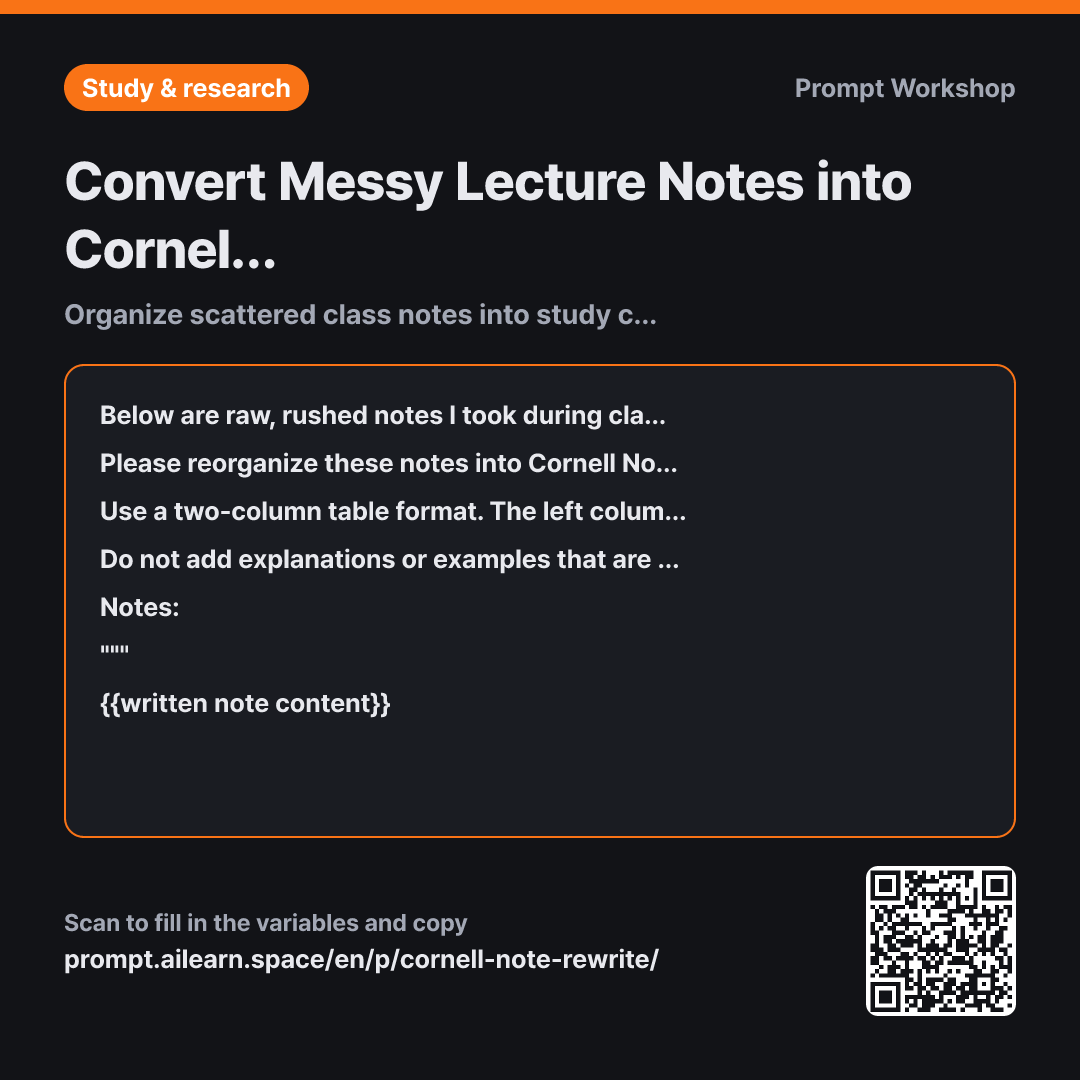
Why it is written this way
The least effective way to use a note-organizing prompt is asking AI to "clean this up nicely." The AI interprets that as polishing the prose, filling in missing details with its own knowledge to return a smooth summary. It might read well, but that is just like reading a textbook again. Notes become effective study tools only when you actively recall and answer questions yourself.
This is why the format section explicitly requests a separate left-hand question column. The essence of the Cornell method is covering the right side with your hand and testing your memory using only the questions on the left. Adding the constraint "a question that can be answered even if the right column is covered" ensures you get questions like "What are the two reasons the demand curve slopes downward?" instead of vague headings like "About the demand curve." The summary and review list placed at the bottom establish a clear path for reviewing the night before an exam.
Constraints prevent the content from bloating. Asking the AI to append (?) to abbreviations is especially useful. If the AI guesses and expands your shorthand, any misunderstanding you had gets cemented as fact. Leaving the mark intact helps you spot exactly what to verify against the textbook or professor. The biggest danger in study notes isn't a blank space; it's a plausibly filled incorrect answer.
Wrapping the notes in """ to separate data from instructions also serves a clear purpose. Lecture notes often contain comments like "This won't be on the test" or "Read by next class." Without clear delimiters, the AI might misinterpret those lines as instructions directed at itself and delete entire sections. Separating data from commands is just as crucial as setting the output format when using AI for study notes.
Unfamiliar terms? See Aha AI: output-format, prompt-injection
Compared with a bad example
Please organize my notes for me.
(Pastes raw notes)
You will get an unformatted paragraph summary. It will be padded with explanations you never wrote down, making it impossible to tell what came from class and what the AI fabricated. Without a question column, you will end up passively skimming through it when reviewing.
Variations
Combining Multi-Session Notes onto One Sheet
Below are notes pasted together from several sessions of the same class. Do not organize them chronologically; regroup them by topic to create a Cornell Notes table. If the same topic appears across multiple days, combine it into one row and add the lecture dates in parentheses at the end. If earlier and later notes contradict each other, do not combine them; mark them as "Needs Verification".
""" {{written note content}} """
Use this when reviewing an entire exam syllabus at once. Blocking the AI from merging contradictory points prevents misunderstandings from being quietly swept under the rug.
Converting Raw Audio Transcripts
Below is an automated transcript from a lecture recording, so it is conversational and repetitive. Strip out greetings, chit-chat, and repeated phrases, then transfer only the remaining content into a Cornell Notes table (Recall Questions · Notes). Add a ★ in front of the question column for points where the professor said things like "This is on the test" or "This part is critical." Do not correct terms that look mistranscribed; append (?) to them instead.
""" {{written note content}} """
Unlike handwritten notes, transcripts contain a lot of fluff, so this prompt specifies what to discard upfront.
Related prompts
Last updated 2026-09-02 · Found a mistake? Let us know