Why it is written this way
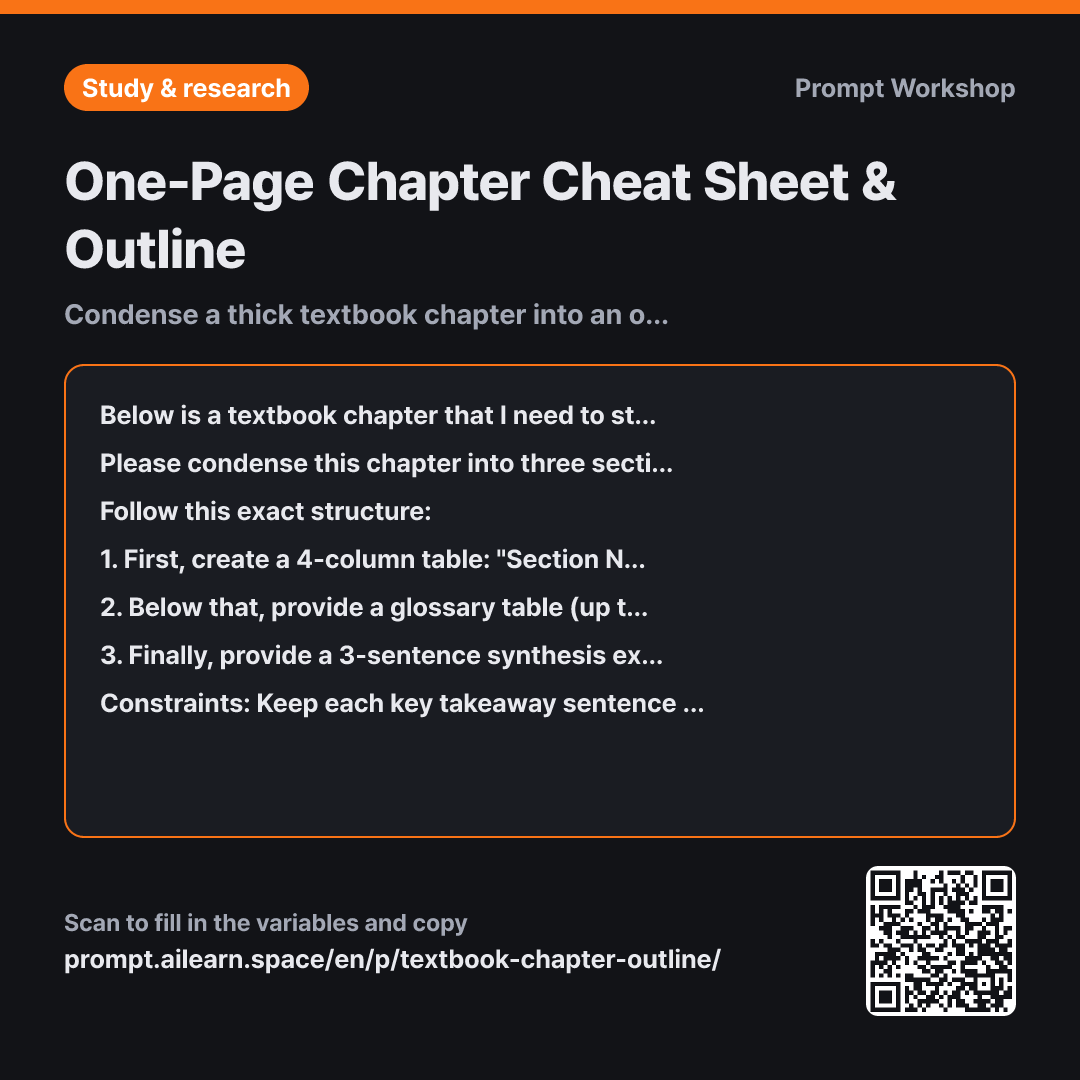
If you simply ask AI to "summarize this textbook chapter," it will generate a wall of prose paragraphs. While shrinking 30 pages down to 2 might seem like a win, having to read dense paragraphs right before an exam defeats the purpose of rapid review. The most scannable study aid is a table, not paragraphs.
Dividing the Task into three specific parts serves distinct study needs. The section breakdown maps out your study sequence, the glossary prepares you for multiple-choice and short-answer questions, and the final 3-sentence synthesis helps you tackle essay questions that require connecting high-level concepts across the chapter. Getting this in one blended blob would force you to re-filter the information.
In the Format instructions, the "Question This Section Answers" column is particularly useful. Section titles are often static noun phrases (e.g., "Income and Substitution Effects") that don't tell you what you're actually learning. Turning them into questions transforms the table into an active self-testing flashcard sheet just by covering the column. The "Commonly Confused Related Term" column serves a similar purpose—most exam mistakes occur not from total ignorance of a term, but from mixing up two adjacent, related concepts.
Setting explicit Constraints prevents the output from bloating. Without strict limits on sentence length and mathematical derivations, table cells expand into lengthy paragraphs. Formula derivation practice belongs in a workbook, not on a quick-review cheat sheet. Finally, wrapping the text in """ clearly separates source material from instructions, preventing the AI from mistaking chapter-end questions (like "Try exercises 1-5") as user commands.
Unfamiliar terms? See Aha AI: output-format, context-window
Compared with a bad example
Summarize this chapter.
(Pastes entire textbook chapter)
Returns generic prose paragraphs. The section structure is lost, making it impossible to track study progress, while key term definitions are buried within sentences. It is also difficult to detect if external, unverified knowledge has been introduced.
Variations
Cross-Chapter Concept Comparison
Below is the reading material covering multiple exam chapters. Instead of summarizing chapter by chapter, create a single comparison table organized by cross-cutting concepts across all chapters. Use the columns: "Concept | Chapters Where It Appears | How the Application Differs by Chapter | High-Probability Pairings / Related Concepts". For concepts that appear in only one chapter, list them separately below the table.
""" {{unit content}} """
Use this when you already have individual chapter outlines. Exams frequently test your ability to synthesize concepts across chapter boundaries.
Outline with Practice Exam Questions
Read the chapter content below and create a section-by-section outline table, followed by practice test questions. For each section, generate 1 multiple-choice question and 1 short-answer/essay question, noting the source section number next to each question. Place all answer keys and grading rubrics together at the very end of the response. Do not generate questions that cannot be answered directly from the text.
""" {{unit content}} """
Grouping the answer keys at the very end ensures you can test yourself without accidentally seeing the solutions first.
Model notes
When using PDFs or images, upload the file first before submitting the prompt. If a chapter exceeds 30 pages, process it section by section and conclude with: "Please merge all the tables generated so far into a single unified table."
Related prompts
Last updated 2026-09-02 · Found a mistake? Let us know