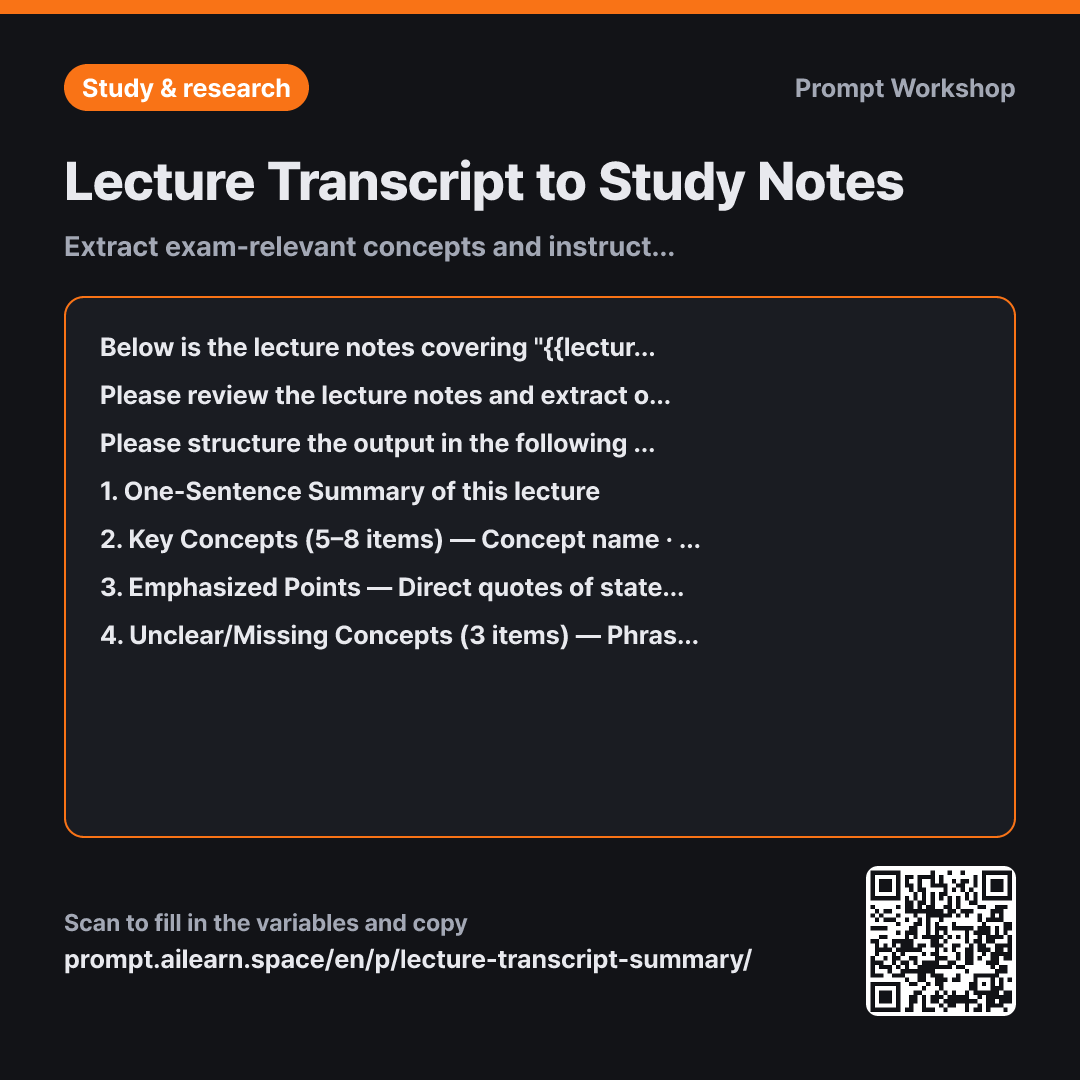
Why it is written this way
When you simply paste a transcript and ask the AI to "summarize this," it tends to condense everything evenly. Administrative announcements end up with the same weight as core definitions, while points the instructor heavily emphasized get reduced to a single line. A good lecture summary prompt must first define the criteria for what to keep and what to discard.
The Task section establishes these criteria. By setting the explicit goal ("only content that is likely to appear on an exam") and naming specific elements to discard (greetings, announcements, banter, repetitions), the output becomes much more reliable than merely describing what to keep. Lecture transcripts are full of verbal filler and false starts, and without explicit exclusions, the AI tries to interpret every phrase as meaningful.
In the Format section, the third item is the highlight of this prompt. Requesting instructor emphasis as direct quotes lets you immediately verify in the source transcript whether the professor actually highlighted that point. The fourth item ensures you don't treat the summary as an exhaustive answer key. Transcripts naturally miss whiteboard notes and slide diagrams; converting those gaps into targeted textbook questions gives you a clear roadmap for further study.
The instruction "Do not fill in missing details" in the Constraints prevents the AI from substituting standard textbook knowledge for gaps in the lecture. While those additions might look plausible, they weren't part of this specific class and can misalign your study scope. Finally, wrapping the input in """ prevents incidental instructor remarks (like "you don't need to write this down") from being misread as instructions for the AI.
Unfamiliar terms? See Aha AI: context-window, prompt-injection
Compared with a bad example
Summarize this lecture transcript
(pasted transcript)
While this reduces the text length, the lack of criteria produces a generic, narrative summary that mirrors the lecture's chronological flow. Crucial exam definitions and offhand examples receive equal weight, while verbal filler and small talk linger in the summary. It also fails to highlight study gaps, forcing you to re-read the entire transcript anyway.
Variations
When you already have notes and only need verbal additions
Please review the lecture notes below and extract only the insights that would likely be missing from written slide notes. This is from a {{academic subject}} class on "{{lecture topic}}".
Provide separate lists for: spoken-only conditions, exceptions, or caveats; verbal elaborations not shown on slides; and real-world examples cited by the instructor. Exclude standard textbook definitions.
Lecture notes: """ {{lecture notes}} """
Since standard definitions and formulas are already in your written notes, this variant narrows the scope strictly to spoken context and verbal additions.
For a last-minute 30-minute exam review sheet
Please condense the following lecture notes on "{{lecture topic}}" for {{academic subject}} into a high-yield one-page cheat sheet for a quick 30-minute pre-exam review.
Include: 5 must-memorize definitions (one line each), 3 pairs of easily confused concepts (one line explaining the key difference for each pair), and step-by-step procedures for calculations or formulas (if applicable). Keep it strictly itemized without conversational explanations.
Lecture notes: """ {{lecture notes}} """
Running this in the same thread after generating your initial study guide yields an ultra-dense, rapid-review sheet based on the synthesized material.
Model notes
If the lecture transcript exceeds roughly 5,000 words, split it into 30-minute segments and process them sequentially, then prompt: "Please consolidate all previous summaries into a single master study guide."
Related prompts
Last updated 2026-09-02 · Found a mistake? Let us know