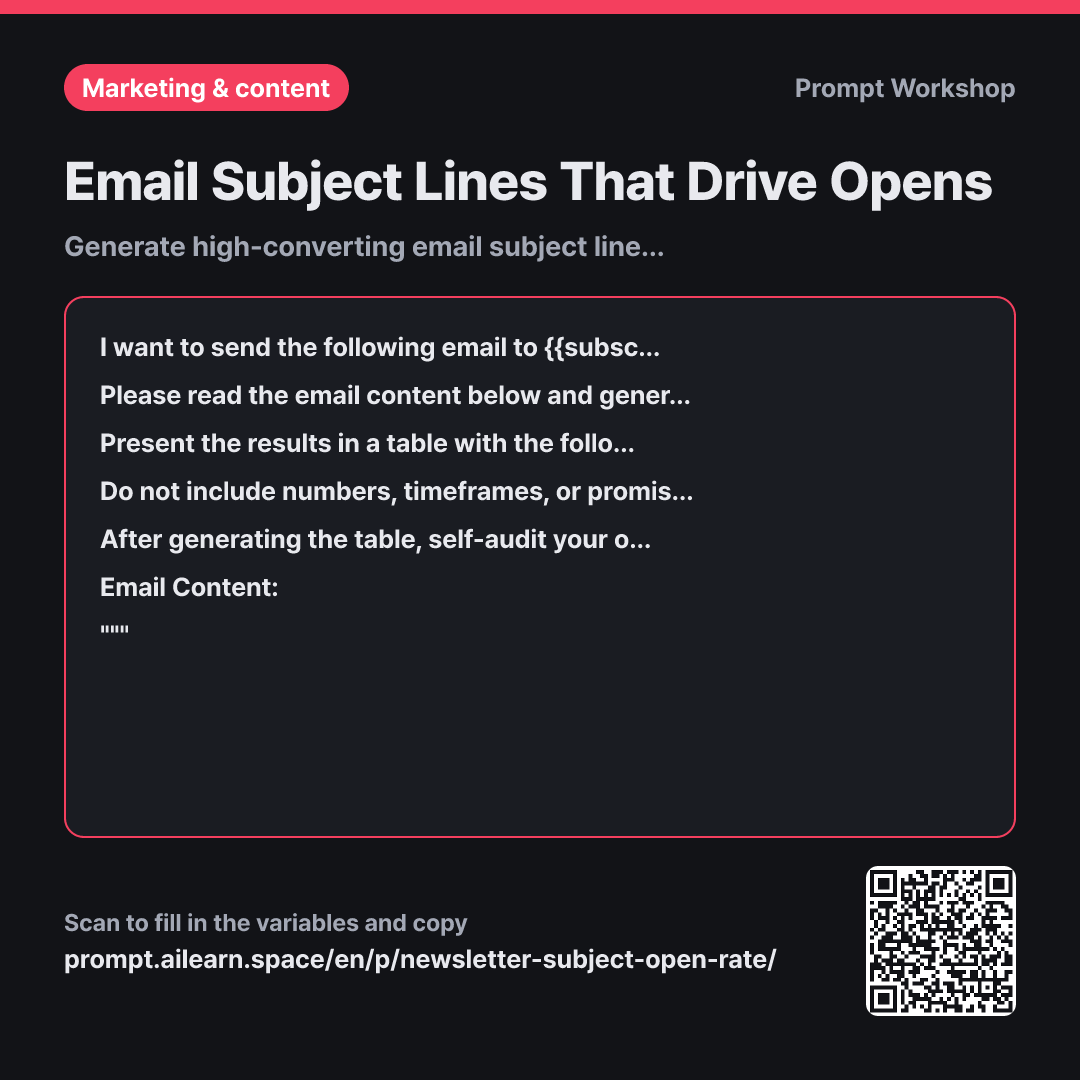
Email Subject Lines That Drive Opens

Generate high-converting email subject lines matched with preview text

Prompt · 2 variables

I want to send the following email to {{subscriber count}}. In their inbox, recipients decide whether to open solely based on the subject line and the preview text next to it. On mobile screens, subject lines often get cut off around 40 characters.

Please read the email content below and generate 6 distinct subject line candidates. They should not merely rephrase the same idea—each must take a different psychological angle: Curiosity-driven, Outcome-focused, Number-based, Question, Targeted audience callout, and Ultra-short.

Present the results in a table with the following columns: "No. | Subject Line | Angle | Accompanying Preview Text | Target Audience (Who opens this?)". Keep subject lines under 50 characters, placing the most important hook within the first 35 characters. Write preview text under 70 characters that complements the subject line without repeating it.

Do not include numbers, timeframes, or promises that are not in the email content. Avoid clickbait clichés like "Shocking", "Must read", or "Don't miss out", bracketed tags (e.g., [Update]), and emojis.

After generating the table, self-audit your output. Check each option for: (1) Does the body text actually deliver on this promise? (2) Could a reader feel misled? Mark each with O/X. If any option gets an X, revise and replace it.

Email Content: """ {{email content}} """

Copy, then paste here · ChatGPT and Claude open with the prompt filled in Open in ChatGPT ↗Open in Claude ↗Open in Gemini ↗ Edit in builder Download classroom card

Why it is written this way

Context
I want to send the following email to {{subscriber count}}. In their inbox, recipients decide whether to open solely based on the subject line and the preview text next to it. On mobile screens, subject lines often get cut off around 40 characters.
Task
Please read the email content below and generate 6 distinct subject line candidates. They should not merely rephrase the same idea—each must take a different psychological angle: Curiosity-driven, Outcome-focused, Number-based, Question, Targeted audience callout, and Ultra-short.
Format
Present the results in a table with the following columns: "No. | Subject Line | Angle | Accompanying Preview Text | Target Audience (Who opens this?)". Keep subject lines under 50 characters, placing the most important hook within the first 35 characters. Write preview text under 70 characters that complements the subject line without repeating it.
Constraints
Do not include numbers, timeframes, or promises that are not in the email content. Avoid clickbait clichés like "Shocking", "Must read", or "Don't miss out", bracketed tags (e.g., [Update]), and emojis.
Self-check
After generating the table, self-audit your output. Check each option for: (1) Does the body text actually deliver on this promise? (2) Could a reader feel misled? Mark each with O/X. If any option gets an X, revise and replace it.
Input
Email Content: """ {{email content}} """

When asking AI for subject lines to boost open rates, it tends to generate sensational clickbait. The issue is that clickbait often works in the short term, but if the content fails to deliver on the subject line's promise, unsubscribes spike right alongside opens. This prompt prevents misleading subject lines that cause reader churn.

The context in the first paragraph establishes how the inbox interface works. Specifying that mobile cuts off early forces the AI to front-load key keywords and craft a paired preview snippet.

Defining six distinct angles in the task section prevents the AI from giving six variations of the same phrase. The "Target Audience" column in the format section helps you choose based on audience segment rather than pure gut feeling.

The constraints section eliminates hype words and bracketed tags that trigger spam filters or reader fatigue. The self-audit step ensures the model cross-checks its own suggestions against the actual body text before presenting the final options.

Unfamiliar terms? See Aha AI: output-format, hallucination

Compared with a bad example

Common bad example

Write a high-converting newsletter subject line for this email.

(Pastes email content)

This usually produces inflated lines like "90% of Stores Fail With This $300 Ad Mistake" even when the source text never mentions 90%. It boosts clicks at the expense of trust, omits the crucial preview text, and gives you too few distinct angles to test.

Variations

A/B Testing Distinct Angles

A/B Testing Distinct Angles

I am running an A/B test for an email sent to {{subscriber count}}. Read the content below and generate two contrasting pairs of subject lines (e.g., high curiosity vs. clear direct takeaway). For each pair, include a one-line explanation of "What is the key difference" and "What hypothesis does this pair test?"

""" {{email content}} """

Testing two nearly identical subject lines yields little learning. Forcing opposing angles provides clear data on what drives your audience to click.

Fact-Checking a Draft Subject Line

Fact-Checking a Draft Subject Line

I drafted the following subject line for {{subscriber count}}: "Where should you spend your first $300 ad budget?"

Read the email content below and verify whether this subject line accurately reflects the body text. List the specific promises implied by the subject line, rate whether each is fulfilled in the body (O/X), and suggest 3 adjusted subject lines if any inaccuracies exist.

""" {{email content}} """

Use this variant to sanity-check a pre-written subject line before hitting send.

Model notes

LLMs can struggle with exact character counts. After receiving the table, follow up with: "Count the exact characters for each subject line and trim any that exceed the limit."

Related prompts

Last updated 2026-09-02 · Found a mistake? Let us know