Why it is written this way
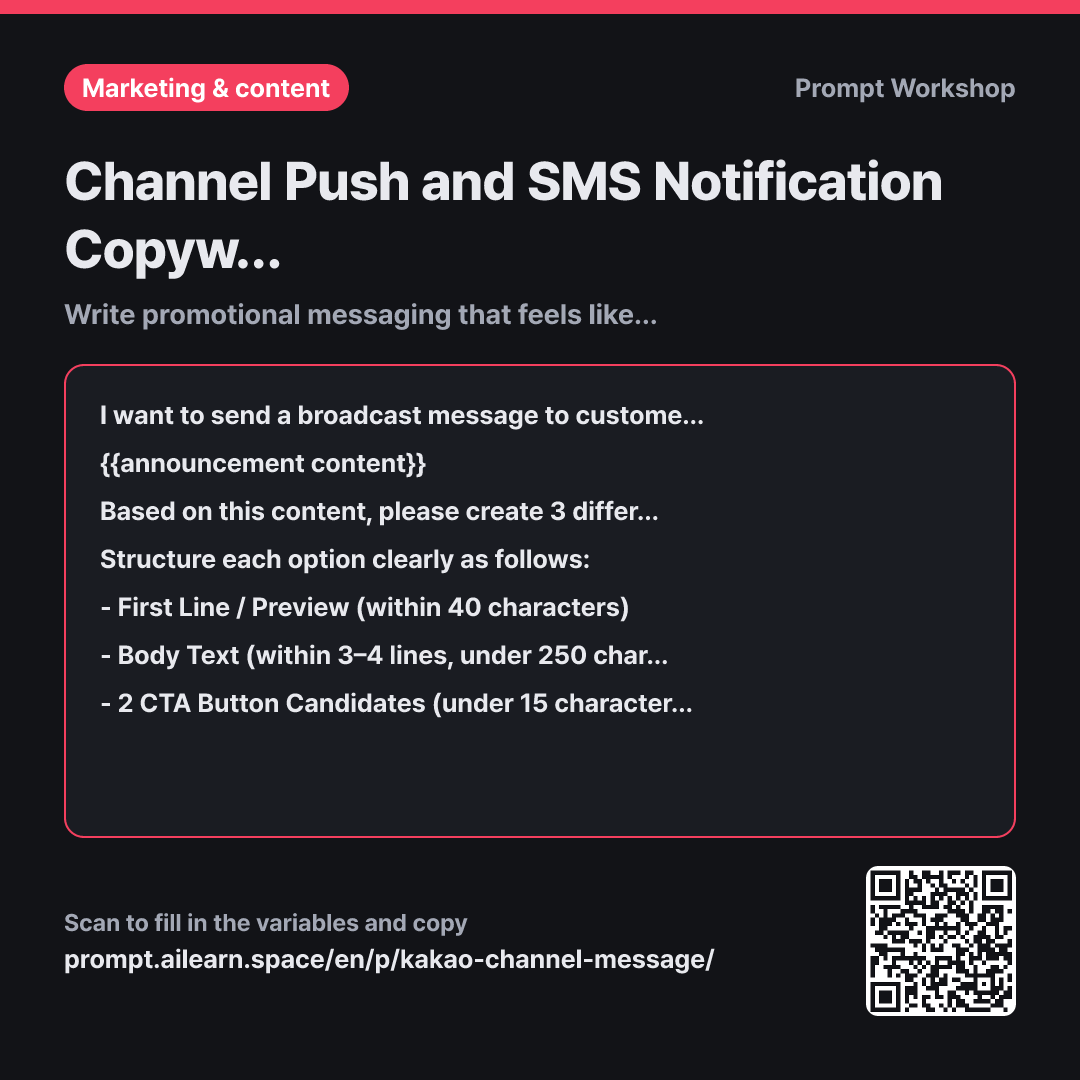
Channel push notifications and SMS broadcasts operate under different constraints than typical ads. Because they land alongside chats from friends and family, anything that sounds remotely like generic spam gets blocked immediately. However, simply asking AI to "write a promotional message" usually generates aggressive flyer-style copy. This prompt prevents the mistake of writing copy that clashes with a personal chat inbox.
Setting the context in the first paragraph makes all the difference. Telling the AI that the message sits among personal conversations and relies on a brief preview prevents it from wasting the first line on generic greetings. Just defining the environment transforms the quality of the output.
Specifying "a tone as if updating a regular customer" in the task section serves as the second anchor. Requesting three options lets you compare variations in tone side by side. Without multiple drafts, it is hard to gauge what feels just right.
Formatting instructions in the format section ensure that the preview, body, and CTA buttons are delivered separately. Broadcast dispatch tools have distinct input fields, so bundled text requires tedious manual splitting. Finally, the constraints section eliminates common spam triggers. Capping exclamation points and emojis while banning pushy urgency makes the copy noticeably more professional and natural.
Unfamiliar terms? See Aha AI: output-format, prompt
Compared with a bad example
Write an event promo message for our chat channel. In September, bagels are buy 2 get 1 free after 3 PM.
This produces copy starting with "Hello valued customer! 🎉 Special event you can't miss!". The inbox preview only shows the generic greeting without conveying the offer, while excessive emojis and exclamation marks make it look like pure spam. Without length limits, the body drags on for ten lines, and missing button copy means you have to rewrite it manually before sending.
Variations
When Sending an Operational Notice Instead of a Promo
We are sending an operational update to customers of {{brand name}}. Please provide 2 draft messages based on the details below. This is not a promotional offer, but essential information customers need to know. Make sure the first line clearly states the purpose of the update, and keep the body under 150 characters, focusing strictly on when and what is changing. If an apology is necessary, keep it brief and mention it only once.
Announcement Details: {{announcement content}}
Use this for non-promotional announcements such as store holidays, operating hour adjustments, or price revisions. It strips out marketing fluff and focuses purely on facts.
When Brainstorming Preview / First Lines Only
The body text for {{brand name}}'s broadcast message is already finalized, and we only need the opening preview line. Please generate 8 candidate first lines based on the content below. Keep all options under 40 characters. Half should directly state the benefit, while the other half should spark curiosity. Include a brief one-line note beside each option explaining which audience segment it appeals to best. The CTA button is fixed as {{button text}}.
Announcement Details: {{announcement content}}
In direct messaging campaigns, open rates are almost entirely determined by the very first preview line. Once the core message is set, quickly generating and comparing multiple hook lines saves significant time.
Model notes
Make sure to preview the message in your broadcast tool before sending to check where the first line cuts off.
AI models cannot strictly count exact character limits like 40 or 250 characters. Always check the preview in your messaging platform or dispatch tool to verify where the text cuts off before sending.
Related prompts
Last updated 2026-09-02 · Found a mistake? Let us know