Why it is written this way
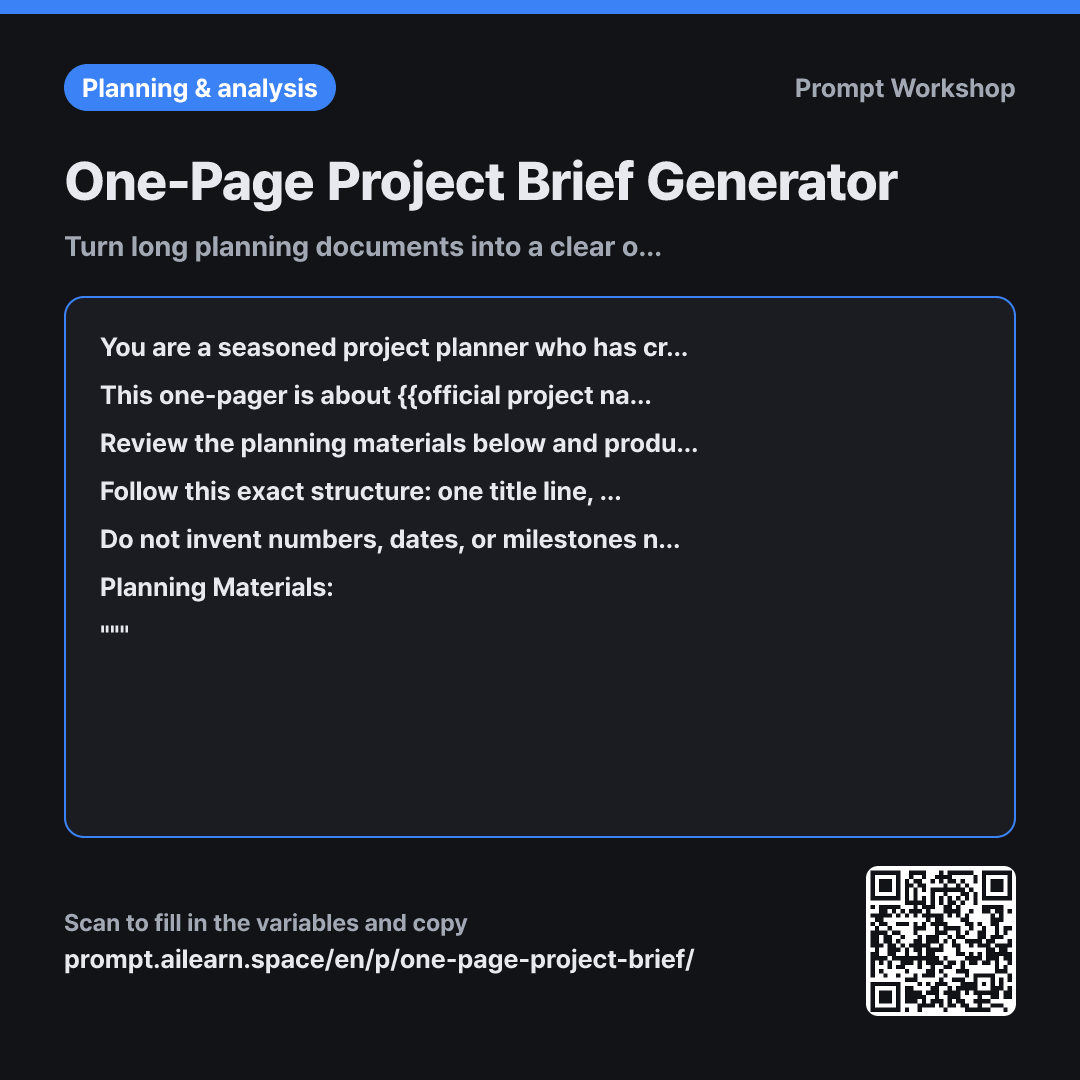
When you paste a lengthy project plan and simply say "summarize this into one page," you usually get the same document with shorter sentences. That is why a dedicated one-pager prompt is essential. A true one-page brief is not just a condensed proposal; it is a fundamentally different document. It must retain only what a newcomer needs to make a decision, ruthlessly cutting even the most polished paragraphs.
Setting the Role in the first paragraph as someone "who knows exactly what to discard" addresses this directly. Without this framing, the AI tries to preserve a snippet of every section, resulting in a vague overview lacking actionable depth. Specifying that the reader is "learning about the project for the first time" in the second paragraph serves the same purpose, filtering out insider jargon and uncontextualized backstory.
The fourth paragraph defining the Format is the core of this prompt. It locks in the exact headers, line limits, and total word count. Without strict constraints, models tend to write lengthy background intros and cram budget and key decisions into a single closing line. Creating a dedicated "Cost of Inaction" section highlights the urgency that decision-makers care about most—a detail often missing from standard project drafts.
The "Not specified in materials" rule in the fifth Constraints paragraph prevents the most dangerous issue with AI-generated summaries: hallucinated data. When faced with rigid templates, models often invent plausible numbers that might be mistaken for real commitments in high-stakes meetings. Finally, wrapping the planning materials in """ prevents incidental phrases like "see next slide" from being misinterpreted as instructions.
Unfamiliar terms? See Aha AI: output-format, context-window
Compared with a bad example
Summarize this into one page:
(Pasted full proposal text)
This produces a generic outline that blindly mirrors the original document's structure. Background and current status take up more than half the page, while resource needs, timelines, and costs remain buried in paragraphs. Without an assigned audience, internal jargon persists, confusing stakeholders from other departments. Furthermore, "one page" without explicit constraints often spills across multiple screens.
Variations
For Slack or Email Sharing
Please summarize the planning materials below into a concise message to share with {{target reader audience}} via team chat. Write exactly three short paragraphs under 150 words total, without tables or subheadings. The first sentence must clearly state what {{official project name}} is. End the final paragraph with the specific action required from the recipient, and add a closing line noting where they can find the full documentation.
""" {{planning materials}} """
Optimized for chat tools where tables break, using a concise paragraph flow tailored for quick mobile reading.
For In-Flight Project Status Updates
{{official project name}} is already in progress. Using the materials below, write a one-page status update for {{target reader audience}}. Use these exact sections: "Current Status (2 lines)", "Completed This Month (3 lines)", "Blockers & Help Needed (2 items)", "Next Month Plan (3 lines)", and "Schedule Changes". If progress percentages cannot be verified directly from the text, write "Needs confirmation" rather than estimating.
""" {{planning materials}} """
Swaps pre-kickoff approval sections for progress, blockers, and milestone tracking tailored to active projects.
Model notes
If your source material is very long and risks hitting context limits, paste it in sections and conclude with: "Using all the material provided so far, write the one-page brief." This ensures the model considers the entire document rather than just the opening pages.
Related prompts
Last updated 2026-09-02 · Found a mistake? Let us know