Why it is written this way
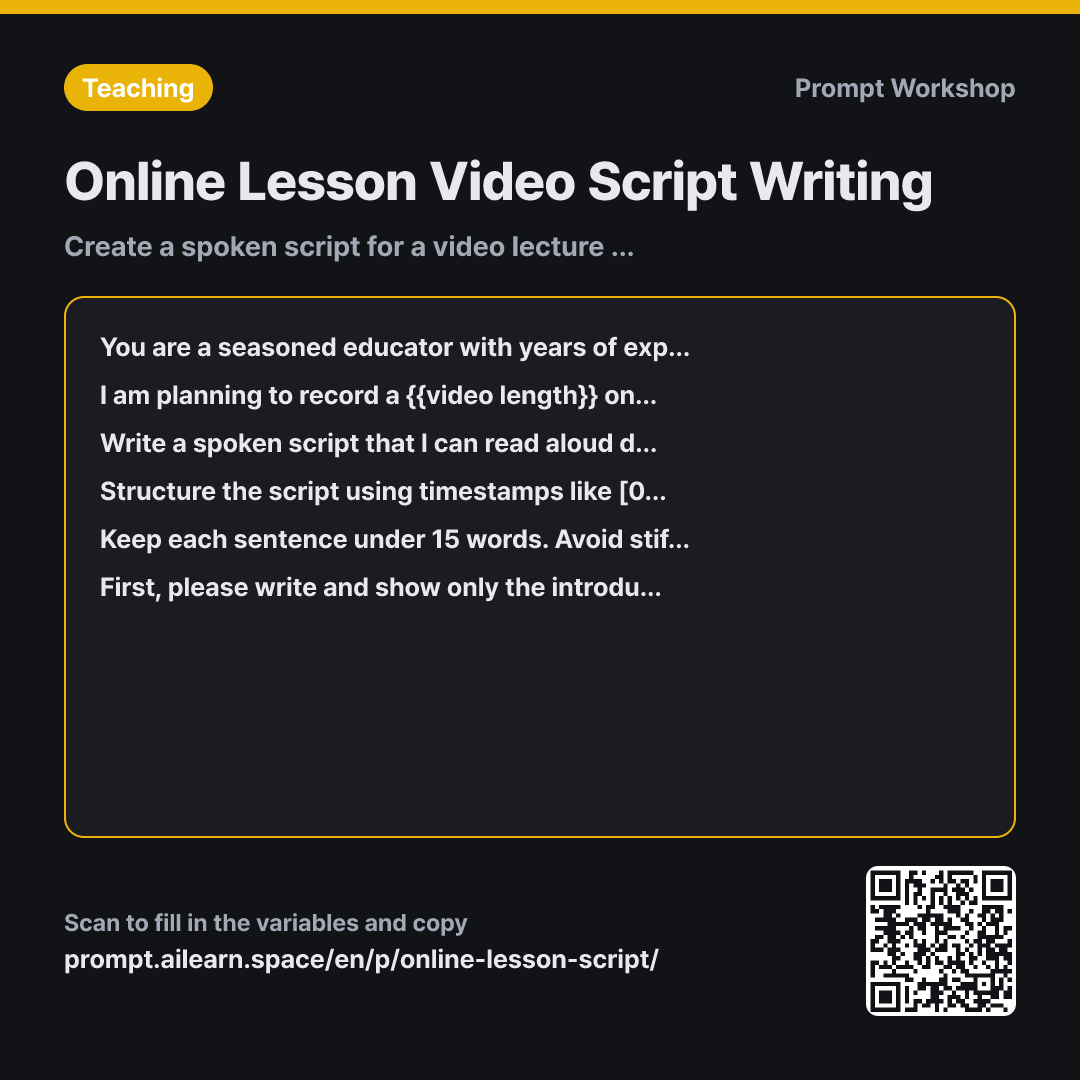
When you ask AI to write an online lecture script, it often produces text that is factually accurate but stiff and unnatural to speak out loud. Reading textbook-like sentences in front of a camera sounds like a robotic recitation. This happens because AI's default writing style is written prose. If you want a spoken script, you must explicitly instruct it to use conversational speech.
Constraints do the heavy lifting in this prompt. Limiting sentence length ensures each sentence can be spoken in a single natural breath. Providing concrete examples of spoken vs. written phrasing steers the tone effectively, whereas negative constraints alone ("don't be formal") often lead to confused, rigid phrasing.
Role and Context define the constraints of asynchronous teaching. The key difference between a live classroom and a recorded lecture is that students cannot interrupt to ask questions. Specifying this ensures the AI breaks explanations into bite-sized steps without unnatural live prompts like "Any questions?". Timestamps and visual stage directions give you a production-ready script for filming and editing. Framing the video around a single opening question creates a cohesive narrative arc.
Finally, generating only the introduction first saves significant time. The biggest risk in scriptwriting is generating a 10-minute script all at once, only to scrap it because the tone is wrong. Validating the voice on a 30-second intro lets you calibrate the style before generating the full draft.
Unfamiliar terms? See Aha AI: role-prompting, output-format
Compared with a bad example
Write a 10-minute online lesson script about translating quadratic function graphs.
While video length is specified, voice and format constraints are missing. The output will likely be a handful of textbook-like paragraphs without timing marks, taking anywhere from 4 to 15 minutes to read. Without visual directions, you will need to plan all on-screen graphics from scratch. Crucially, fixing an unnatural tone across the entire draft means regenerating everything, risking the loss of explanations that were actually good.
Variations
For Screen-Recorded Lectures
I am recording a {{video length}} screen-capture lesson on {{academic subject}}: "{{main central topic}}". My face will not appear on camera; only slides and live digital handwriting will be visible. Please format the script as a two-column table: the left column for what I say, and the right column for what happens on screen (which slide, what to underline, what to write by hand). Ensure that no segment has static screen activity lasting longer than 20 seconds.
Faceless screen recordings get boring quickly if the visuals stay static. Side-by-side script and action columns help spot visual dead zones instantly.
When Generating Subtitles and Summary Handouts
Using the completed {{main central topic}} script, please generate two supplementary assets: 1) A closed-caption list broken into chunks of under 40 characters per line and no more than two lines per segment. 2) A one-page summary handout for students who missed the video — containing 3 core concept takeaways, 1 worked example, and 2 self-check review questions. Do not include any information not present in the script.
Generates subtitles and a lesson handout directly from the established script, perfect for packaging remote learning materials.
Model notes
Once you receive the script, read it aloud once. If any sentence leaves you breathless, just ask: "Break down this paragraph into shorter, snappier sentences."
Related prompts
Last updated 2026-09-02 · Found a mistake? Let us know