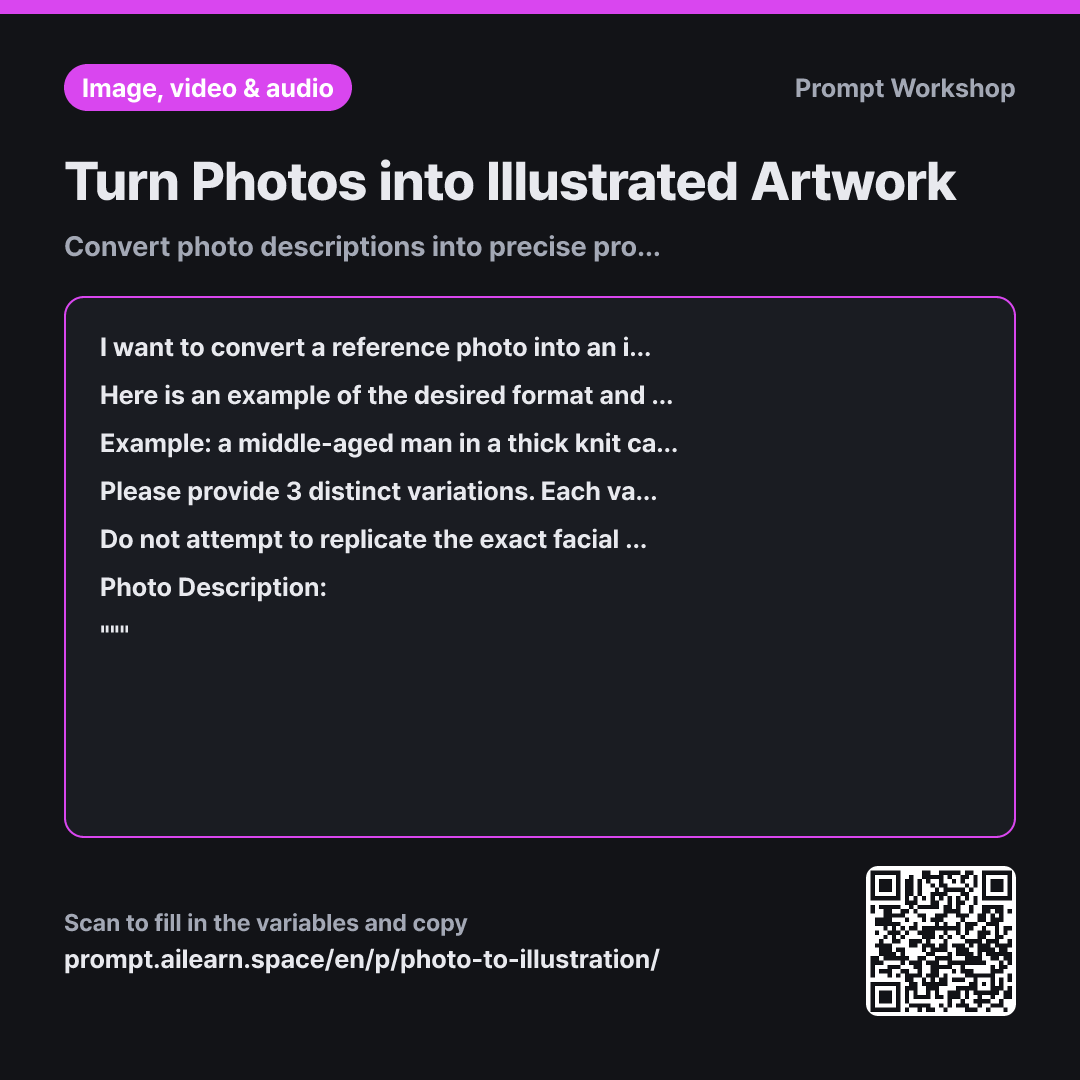
Why it is written this way
When using AI to convert photos into illustrations, people often ask to "draw this photo exactly." However, real photos contain messy clutter—busy backdrops, half-cropped objects, and harsh facial shadows. Translating everything directly leads to an awkward result that looks neither like a photo nor an illustration.
This is why the task specifies "curated adaptation" rather than literal replication. Instructing the AI on what can be discarded allows it to clean up the environment and highlight the main subject. Mediocre photo-to-art transformations usually happen not because the art style is weak, but because the prompt carries over too much photographic noise.
Providing a single clear example is far more effective than abstract descriptions. The reference line with the cardigan establishes phrase length, sequencing, and lighting specificity at a glance. Setting the example subject completely apart from the user's input—alongside a rule not to copy words directly—prevents unwanted leakage of example traits into the final output.
The format explicitly outlines the trajectory across three variations: a photo-faithful draft, a simplified background draft, and a style-heavy draft. This allows you to quickly decide which direction to refine. Finally, strict constraints prevent real-world facial replication and copyrighted names, protecting privacy and preventing likeness issues.
Unfamiliar terms? See Aha AI: few-shot, output-format
Compared with a bad example
Write a prompt to turn this photo into an illustration: Grandmother cutting watermelon on a deck in the yard, white puppy beside her, summer afternoon
A generic request like this usually returns something minimal like "an old woman cutting watermelon, illustration style." Without a defined art style, framing, or lighting direction, results will vary wildly each time—often losing the deck entirely or generating extra dogs.
Variations
For Avatar or Profile Pictures
I want to turn a portrait photo into an illustrated avatar. The desired style is: {{desired art style}}. Please write an English prompt focusing solely on recognizable silhouette features—hairstyle, glasses, outfit, and basic expression—rather than exact facial likeness. Frame it as a centered square composition from the shoulders up, with a clean, solid or nearly blank background. """ {{original photo description}} """
Avatars only need key recognizable cues; aiming for exact facial resemblance often looks uncanny. This keeps identifiable accessories and simplifies the background completely.
For Consistent Style Across Multiple Images
I want to convert multiple photos into a unified illustration series. The description for the first image is below, and the target style is: {{desired art style}}. To make this modular for subsequent images, separate the prompt into two distinct sections: a dynamic front part (subject, action, setting) and a static style tail (art style, line weight, color palette, lighting). Present the static style tail separately as a reusable block. """ {{original photo description}} """
Generating each prompt from scratch causes stylistic drift across a series. Isolating the style block lets you swap out only the subject for subsequent photos while keeping aesthetics identical.
Model notes
Some tools allow direct image file uploads. Always obtain consent before uploading photos containing other recognizable individuals or copyrighted material.
Image-to-image conversion features vary across tools in naming conventions and strength sliders (denoising/image weight). Lower strength retains more photo structure, while higher strength applies the art style more aggressively. Test the same prompt at 2–3 different strength levels to find the right balance.
Related prompts
Last updated 2026-09-02 · Found a mistake? Let us know