Why it is written this way
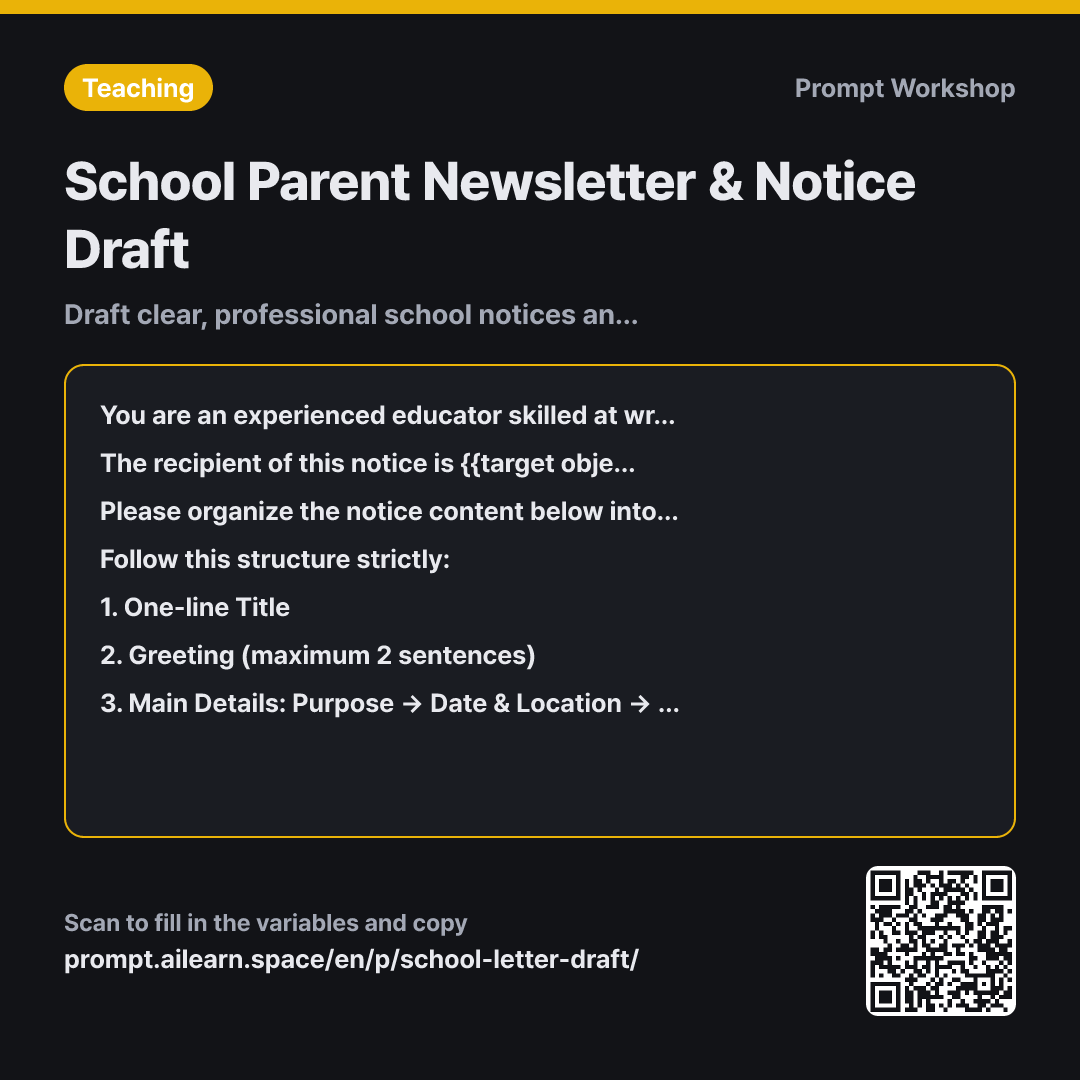
The most common issue with school notices is not awkward wording, but omitting deadlines or contact info, forcing schools to send out follow-up notices the next day. Items get skipped when written in dense paragraphs. This prompt enforces a numbered structure and leaves missing details as explicit placeholders.
Setting the Role to an "experienced educator" instantly calibrates the tone. Simply asking for a notice often generates marketing copy, while requesting an official administrative memo results in overly rigid bureaucratic jargon that parents struggle to digest. Defining both formality and readability prevents both extremes.
The Context paragraph establishes the audience and distribution channel. Specifying whether it targets the whole school or a single grade determines the scope of information needed, and mentioning the website posting ensures grade-specific insider jargon is avoided.
Setting the 5-point Format ensures all essential administrative components are present. Combining the application method and deadline into a single bullet is crucial; separating them often leads parents to see the due date but miss where to submit. Limiting the opening greeting to two sentences prevents key information from being pushed down the page.
The placeholder Constraint ("[ ___ ]") stops the AI from fabricating plausible-sounding phone numbers or department names. Compiling these placeholders at the bottom creates an immediate checklist for the teacher to complete before sending the notice out. The sentence length constraint prevents the convoluted compound sentences typical in school memos.
Unfamiliar terms? See Aha AI: role-prompting, output-format
Compared with a bad example
Write a school notice. 3rd grade reading challenge on Oct 17, need sign-up slips by the 10th.
The output typically yields an excessively long greeting followed by a dense block of text. The submission method gets buried within sentences, while contact info and return slips are omitted entirely because they weren't explicitly requested. The AI might also invent plausible school names or phone numbers, which can cause confusion if printed directly.
Variations
When Requiring a Sign-Up or Consent Slip
Based on the notice content below, please create only the return/permission slip for {{target object}}.
Include fields for student information, participation selection (Yes/No), parent/guardian signature, submission deadline, and submission location in a clean tabular format. If multiple consent items are needed, separate them clearly, and do not add items not mentioned in the text.
Notice content: """ {{notice content}} """
Use this when the notice body is already written and you only need a quick return slip. Separating consent items makes tracking and tallying responses much easier.
Shortening for Website or School App Notifications
Please adapt the school notice content below into two formats: a school website post and a school app push notification.
Write the website post with a one-line title and a body under 100 words. Write the app push notification as a single sentence under 25 words. The push notification must include only the deadline and main action item, directing users to check the full website post for details.
Notice content: """ {{notice content}} """
Designed to produce both long and short variants at once, since school announcements are frequently cross-posted across different media channels.
Model notes
Fill in the specific school name, department, and contact phone numbers manually after generating the draft rather than relying on the AI.
Related prompts
Last updated 2026-09-02 · Found a mistake? Let us know