Why it is written this way
The most common mistake when generating brand imagery with AI is feeding it raw hex codes. When you input #1F3A93, image AI models often interpret the string as arbitrary text or meaningless noise rather than a specific hue. This produces inconsistent shades on every run, making a series of ten images look disjointed and off-brand.
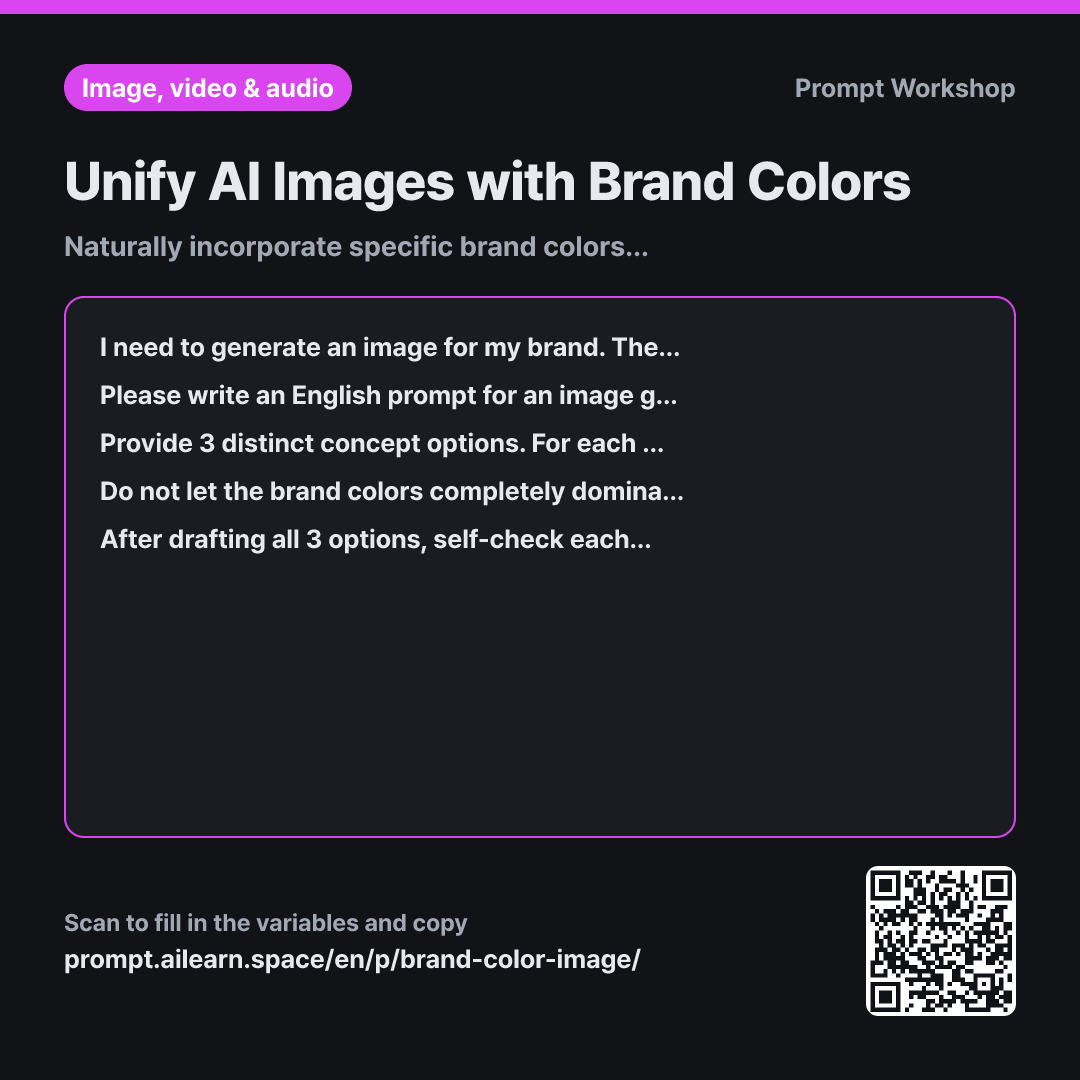
The Context paragraph defines the colors and their practical use case together. Even the same navy blue needs to be placed differently depending on whether it is used in a product photo or a recruitment background. The subsequent Task paragraph instructs the AI to translate hex codes into descriptive visual names and assign them across three distinct zones: primary surfaces, focal accents, and ambient lighting/shadows. Most color discrepancies happen not because the AI misunderstands the color, but because it was never told where to apply it.
The Constraints paragraph prevents the scene from becoming an overwhelming color wash. While a frame flooded with intense brand colors may seem striking, it leaves no negative space for typography or key product highlights. Limiting the brand color coverage to one-third and anchoring the rest with complementary neutrals makes the primary colors pop far more effectively. Banning specific trademarked logos and artist names also protects the integrity of your visual assets.
The final Review paragraph forces the AI to self-evaluate its drafts. When creating multiple options, models tend to drift away from the original color palette by the second or third variation. Setting clear review criteria and asking only for the finalized response substantially minimizes this semantic drift.
Unfamiliar terms? See Aha AI: prompt, output-format
Compared with a bad example
Make an Instagram image for our brand tumbler using the color #1F3A93
A vague request like this causes the model to ignore the exact hex code, generating a generic "blue tumbler photo." The saturation and brightness will vary unpredictably with every iteration—rendering it inconsistent with past assets—while the background becomes oversaturated, leaving zero room for marketing text.
Variations
Recoloring an Existing Visual Concept
I have an existing visual concept, but I want to adjust its colors to match our brand palette. The original visual is "{{Target Image}}", and the target colors to apply are {{Brand Colors}}. Please write an image prompt that strictly retains the composition, subject, and lighting while modifying only the color scheme. Include a line within the prompt detailing what stays preserved, followed by a brief summary below stating which exact elements are recolored.
Simply asking to "change the colors" often causes the model to redesign the entire composition. Specifying elements to preserve keeps the modifications tightly constrained to color balance.
Expanding Descriptive Options for Subtle Colors
Please provide 5 distinct English visual descriptors for the brand color {{Brand Colors}} that an image AI can easily interpret. Avoid raw hex codes, and vary each option using different combinations of brightness, saturation, and natural material or organic metaphors. Under each option, add a one-line note on the visual mood it conveys, and conclude by selecting the single best option for "{{Target Image}}" along with a one-sentence rationale.
The phrasing used to describe a hue heavily influences the AI's rendering. Having a curated set of tested color descriptors upfront allows for seamless consistency across future prompt workflows.
Model notes
Very few image generation tools understand exact hex codes literally. If the generated colors are slightly off, apply a final quick color-grading pass in a photo editing tool.
Image generation models weigh words placed toward the beginning of a prompt more heavily. If your brand colors appear too faint, try shifting the color descriptors closer to the start of the prompt.
Related prompts
Last updated 2026-09-02 · Found a mistake? Let us know