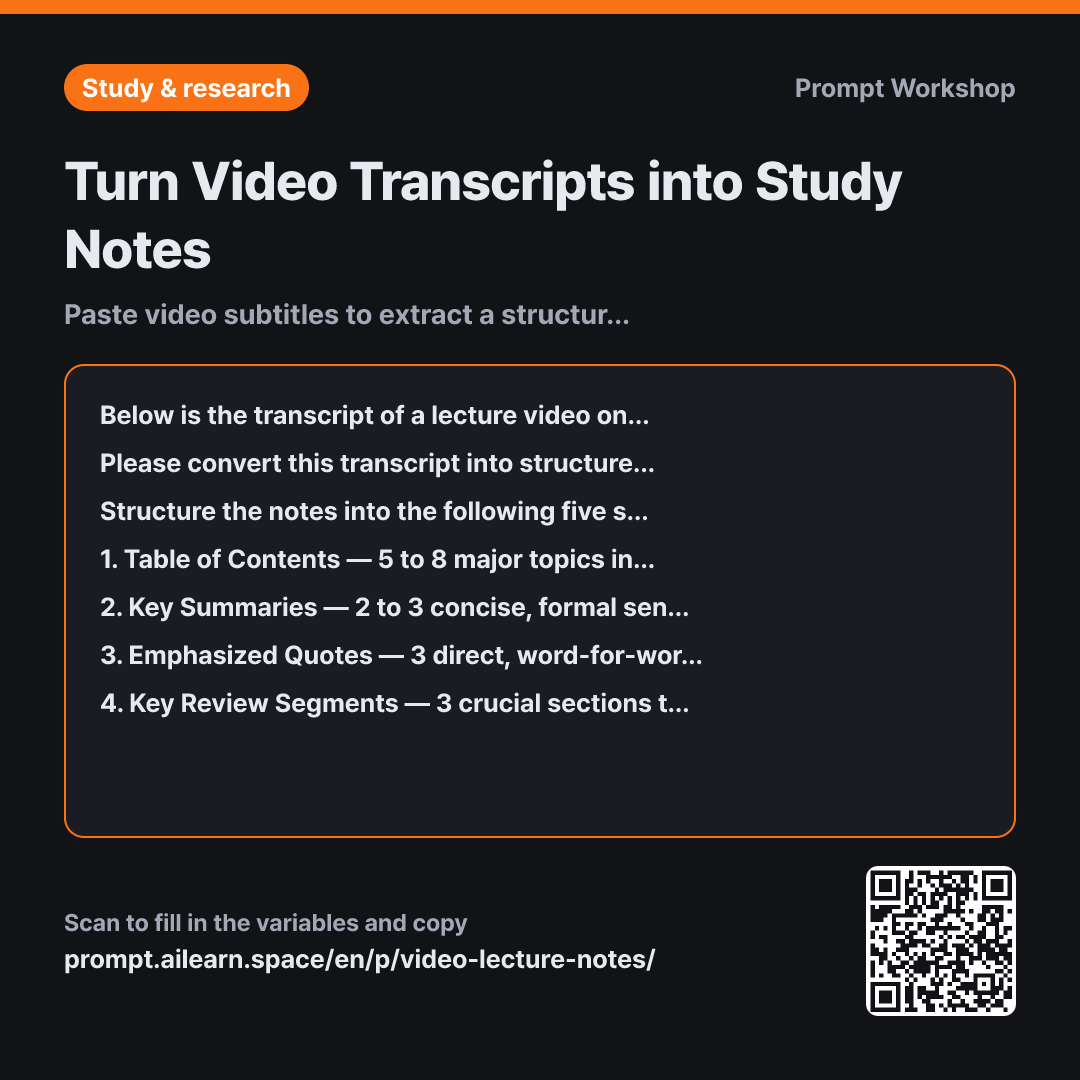
Turn Video Transcripts into Study Notes

Paste video subtitles to extract a structured outline, key takeaways, and timestamps.

Prompt · 2 variables

Below is the transcript of a lecture video on {{video topic}}. Because this is a spoken transcription, it contains conversational filler, colloquialisms, and potential speech-to-text recognition errors.

Please convert this transcript into structured, standalone study notes for future review. If timestamps are present in the transcript, include them alongside every corresponding item.

Structure the notes into the following five sections: 1. Table of Contents — 5 to 8 major topics in chronological order, with their starting timestamps. 2. Key Summaries — 2 to 3 concise, formal sentences for each topic in the Table of Contents. 3. Emphasized Quotes — 3 direct, word-for-word quotes where the instructor stresses an important point, with timestamps. 4. Key Review Segments — 3 crucial sections to rewatch, including timestamps and a one-line explanation of why each must be reviewed. 5. Visual-Only Context — Points in the transcript that cannot be fully understood from audio alone and require looking at the video screen (e.g., code snippets, slides, or graphs referenced vaguely).

After drafting the notes, self-verify that every single point is directly supported by the transcript. Delete any statements unsupported by the text or mark them explicitly as "(Outside of transcript)". Output only the corrected final version.

Remove speech disfluencies and filler words like "um", "you know", and "so basically". Do not add external background knowledge or supplementary explanations not mentioned in the text. If a word appears to be an automated transcription typo, correct it logically while keeping the original transcribed text in parentheses. If there is a missing chunk in the transcript, label it "(Transcript gap)".

Transcript: """ {{subtitle caption text}} """

Copy, then paste here · ChatGPT and Claude open with the prompt filled in Open in ChatGPT ↗Open in Claude ↗Open in Gemini ↗ Edit in builder Download classroom card

Why it is written this way

Context
Below is the transcript of a lecture video on {{video topic}}. Because this is a spoken transcription, it contains conversational filler, colloquialisms, and potential speech-to-text recognition errors.
Task
Please convert this transcript into structured, standalone study notes for future review. If timestamps are present in the transcript, include them alongside every corresponding item.
Format
Structure the notes into the following five sections: 1. Table of Contents — 5 to 8 major topics in chronological order, with their starting timestamps. 2. Key Summaries — 2 to 3 concise, formal sentences for each topic in the Table of Contents. 3. Emphasized Quotes — 3 direct, word-for-word quotes where the instructor stresses an important point, with timestamps. 4. Key Review Segments — 3 crucial sections to rewatch, including timestamps and a one-line explanation of why each must be reviewed. 5. Visual-Only Context — Points in the transcript that cannot be fully understood from audio alone and require looking at the video screen (e.g., code snippets, slides, or graphs referenced vaguely).
Self-check
After drafting the notes, self-verify that every single point is directly supported by the transcript. Delete any statements unsupported by the text or mark them explicitly as "(Outside of transcript)". Output only the corrected final version.
Constraints
Remove speech disfluencies and filler words like "um", "you know", and "so basically". Do not add external background knowledge or supplementary explanations not mentioned in the text. If a word appears to be an automated transcription typo, correct it logically while keeping the original transcribed text in parentheses. If there is a missing chunk in the transcript, label it "(Transcript gap)".
Input
Transcript: """ {{subtitle caption text}} """

When you simply paste a transcript and ask an AI to "summarize this," you often get back a wall of unstructured text that still sounds like informal speech. Redundancies and conversational quirks make the text hard to study, and more importantly, you lose the ability to reference where specific topics were discussed. The real value of video lecture notes is not just the summary itself, but having actionable pointers like "Go back to 07:30."

The five-part format specified in the third paragraph is designed for different review stages: the table of contents helps you re-navigate the video, key summaries help you study, highlighted quotes serve as quick exam prep, and review segments help when you get stuck. Section 5, "Visual-Only Context," is a detail generic video summarizers consistently miss. When an instructor points to a graph or code on screen and says "Look at this line right here," the audio transcript alone conveys no useful information; flagging these moments tells you exactly when you need to pull up the video visual.

The fourth paragraph forces the model to self-check its output before presenting the final text. Transcripts often feature broken sentences and omitted subjects, tempting the AI to fill in the blanks with things the instructor never actually stated. These hallucinations sound plausible at first glance and usually go unnoticed until they lead to wrong answers on an exam. Enforcing factual grounding and review simultaneously is the core mechanic of this task.

Finally, wrapping the transcript in """ delimiters prevents the instructor's spoken phrases from being misread as instructions. Instructors often say meta-statements like "We can skip this part" or "Don't write this down," which can cause an unprompted model to accidentally omit entire sections of the transcript.

Unfamiliar terms? See Aha AI: output-format, hallucination

Compared with a bad example

Common bad example

Summarize this lecture transcript

00:00 All right, today we're going to look into functions. Last time we covered loops, right?...

The output will be three to four generic prose paragraphs with all timestamps stripped out. While the high-level summary might seem fine, you have no way to find where specific concepts were explained without rewatching the video from the beginning. External details get blended in seamlessly without notice, and critical exam hints are buried under generic text.

Variations

Deciding whether to watch a video

Deciding whether to watch a video

Below is the transcript for a video on {{video topic}}. Instead of summarizing the whole text, help me evaluate whether it is worth watching.

Provide: 1. 5 bullet points outlining what this video actually covers 2. 3 bullet points outlining what it does NOT cover 3. Timestamped sections that advanced viewers can safely skip 4. A one-line summary describing the target audience who would benefit most from watching this entire video.

Transcript: """ {{subtitle caption text}} """

Use this before committing to an hour-long video. Knowing which sections to skip saves significant study time.

Synthesizing multi-part lecture series

Synthesizing multi-part lecture series

Below is the transcript for {{video topic}}. Rather than summarizing this lecture in isolation, map out how it connects to prior knowledge.

Create a table with the following columns: Concept | Previously Covered (Yes/No) | What Is New in This Lecture | Timestamp.

Below the table, list any topics previewed for upcoming lectures, strictly based on what is explicitly stated in this transcript.

Transcript: """ {{subtitle caption text}} """

Ideal for sequential courses or serialized lectures to prevent duplicate concepts from scattering across multiple separate notes.

Related prompts

Last updated 2026-09-02 · Found a mistake? Let us know