Why it is written this way
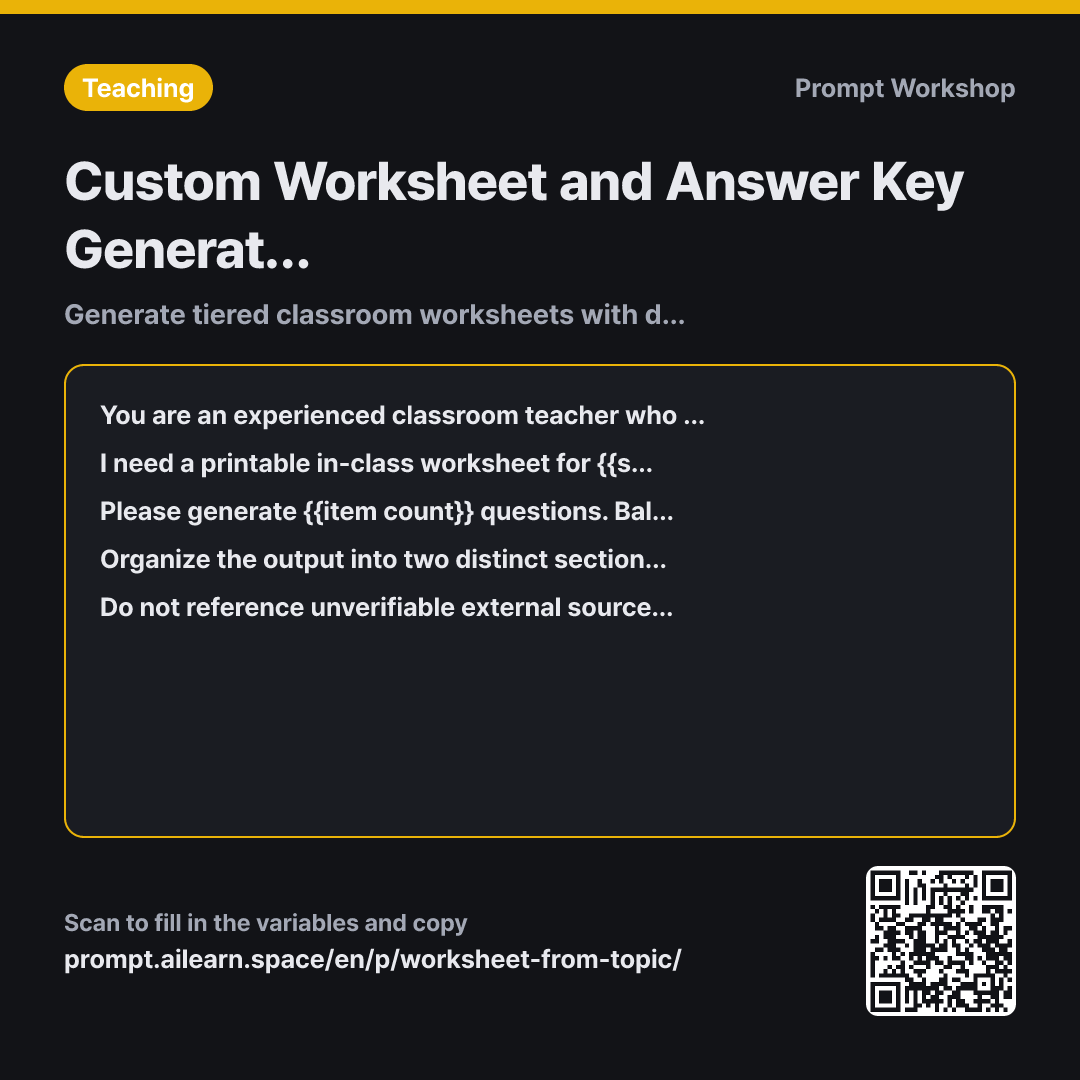
The most common mistake when using AI to generate classroom materials is only asking for the questions. Without an answer key and explicit grading criteria, the teacher still has to spend considerable time solving and writing scoring guidelines for every problem. This prompt solves that by generating both the student-facing worksheet and the teacher key simultaneously.
The Role instruction anchors the tone to that of an experienced educator, preventing the overly complex, academic textbook-style phrasing that confuses younger students.
The Task section specifies a 4:4:2 difficulty balance. Without this explicit ratio, AI tends to generate questions clustered around simple rote recall. Adjusting these numbers easily accommodates different classroom skill levels, while the final open-ended question helps differentiate students who truly understand the material from those who merely memorized it.
The Format structure cleanly separates student copy from teacher resources so you can immediately copy, paste, and print the worksheet. The "acceptable scoring criteria" reduces ambiguity when grading subjective short-answer responses. Finally, the Constraint guidelines prevent AI hallucinations like made-up statistics or phantom textbook references.
Unfamiliar terms? See Aha AI: role-prompting, hallucination
Compared with a bad example
Make 8 questions for 7th grade social studies about climate and human adaptation.
This produces bare questions with no answer key, no grading guidelines, and an unpredictable difficulty curve. It often results in materials that advanced students finish in two minutes while struggling students cannot start, and it may include unverified factual claims.
Variations
Self-Grading Quick Check
Create {{item count}} questions for a {{student grade level}} {{academic subject}} worksheet on "{{main central topic}}" designed entirely for student self-assessment.
Use only multiple-choice and fill-in-the-blank formats. Include an inverted or foldable answer strip at the bottom of the page. For every question, include a one-word textbook concept keyword that tells students what to review if they get it wrong.
Removes open-ended questions in favor of rapid self-checking and targeted review keywords.
Differentiated Level A/B Versions
Create two tiered versions (Set A and Set B) of a {{student grade level}} {{academic subject}} worksheet covering "{{main central topic}}", with {{item count}} questions per set.
Both sets must test the exact same core concepts at different difficulty tiers: Set A should provide embedded hints and structured cues, while Set B should ask students to apply the concepts to novel real-world scenarios. Combine the answers into a single master key with Set A and Set B answers placed side-by-side for quick grading.
Keeping question numbering aligned allows for unified grading and feedback across differentiated groups.
Model notes
If the model scrambles the layout when outputting both parts at once, simply reply: "Please output only the Teacher Answer Key as a clean table."
When generating more than 10 questions, outputs can get cut off or lose formatting; consider generating the student worksheet first and requesting the answer key in a follow-up turn. If pasting into standard document editors, add "Format as a numbered list instead of a markdown table" to preserve clean text alignment. For questions requiring diagrams or charts, leave placeholder brackets and insert your own visual assets.
Related prompts
Last updated 2026-09-02 · Found a mistake? Let us know