Why it is written this way
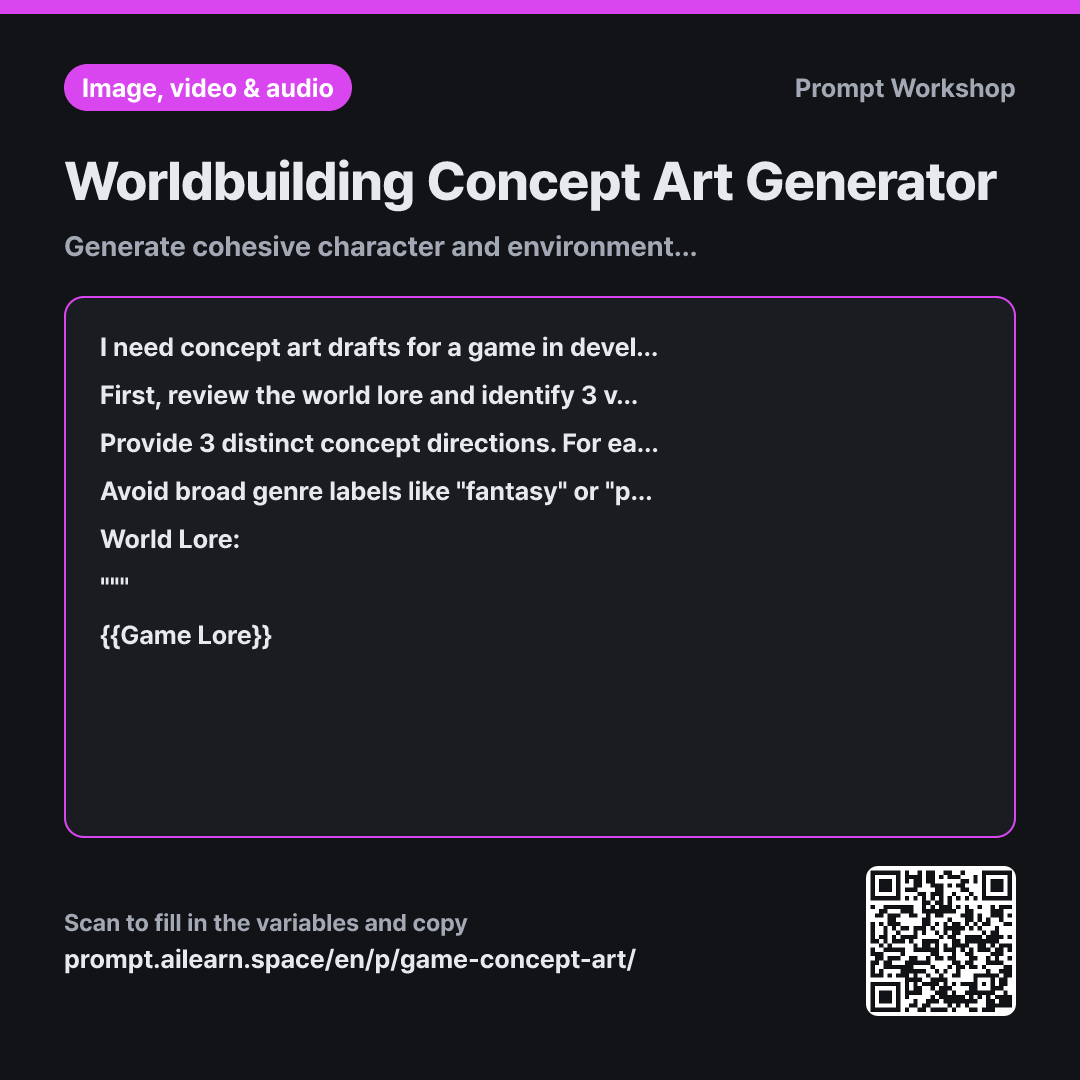
Prompting an image AI with generic terms like "fantasy RPG scout" yields generic, armored archetypes seen everywhere. Genre labels act as shortcuts to the AI's statistical average, pulling the result toward the most common visuals on the web. It produces a generic game asset rather than something unique to your specific world.
This is why the Context section provides the complete world lore. In a drought-stricken world, canteens are blown glass instead of metal, and clothing is tailored to shed fine dust. Visual uniqueness stems directly from the practical constraints the world imposes on its inhabitants, not arbitrary aesthetic preferences.
In the Task section, forcing the AI to explicitly pick 3 concrete visual hallmarks prevents it from slipping into generic tropes. Adding a preliminary step where the model identifies what needs to be visible anchors the prompt to your setting. This extra step is what most generic concept art prompts miss.
Finally, the Format requirement presents the visual hallmarks alongside the prompt. If a draft misses the mark, you can pinpoint exactly which hallmark to adjust rather than rewriting from scratch. Ordering elements from Subject to Art Style ensures priority weighting, keeping the core character or asset from getting overshadowed by style modifiers.
Unfamiliar terms? See Aha AI: prompt, output-format
Compared with a bad example
Make a concept art prompt for a fantasy RPG game character. It's a world where water is scarce.
A vague request like this yields a generic hooded figure with a sword walking across a desert—identical to thousands of search results. Without the guild insignias or glass canteens, the team will rightfully note that "it doesn't look like our game," with no clear indication of what to fix.
Variations
Aligning Multiple Characters in the Same World
I am designing concept art for multiple characters within the same game world. The current subject is: {{Subject}}. To ensure visual consistency with previous concepts, first list the universal baseline elements shared across all characters (materials, color palette, faction insignia, level of weathering). Then, write an English prompt incorporating those exact baseline elements while tailoring only the details specific to this subject. """ {{Game Lore}} """
Generating characters independently leads to disjointed art that feels like different games. This variant locks the shared worldbuilding details first before varying the character.
Expanding a Concept Across Multiple Angles (Turnaround)
A design concept has been selected, and I now need multiple perspective views of the exact same subject. The subject is: {{Subject}}. The visual style is: {{Art Style}}. Provide separate English prompts for a front view, profile view, back view, and a close-up prop detail shot. Keep the physical traits and costume descriptions verbatim across all prompts to maintain character consistency, modifying only the camera angle and framing parameters for each view.
Drafting each angle from scratch causes facial features and clothing details to shift. This variant keeps core descriptive tokens identical, altering only the viewpoint.
Model notes
Once you find a draft you like, keep the world-specific descriptive phrases locked and simply swap out the subject to generate subsequent assets. This keeps every concept looking like it belongs to the same universe.
In concept art pipelines, visual consistency across assets matters far more than a single high-quality render. Because different image generation models interpret the same text differently, always generate all concept drafts for a single world within the same model and version.
Related prompts
Last updated 2026-09-02 · Found a mistake? Let us know